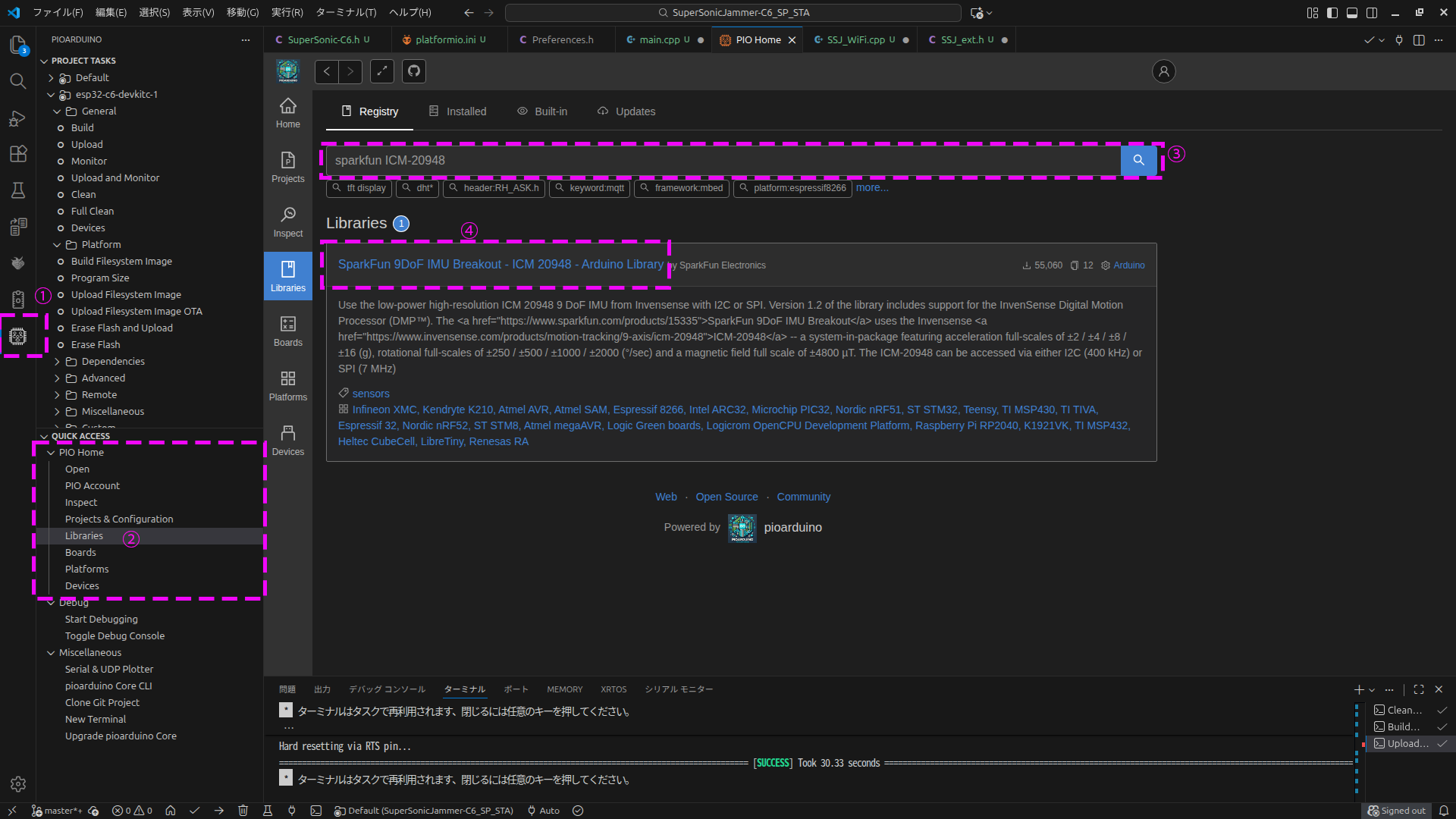
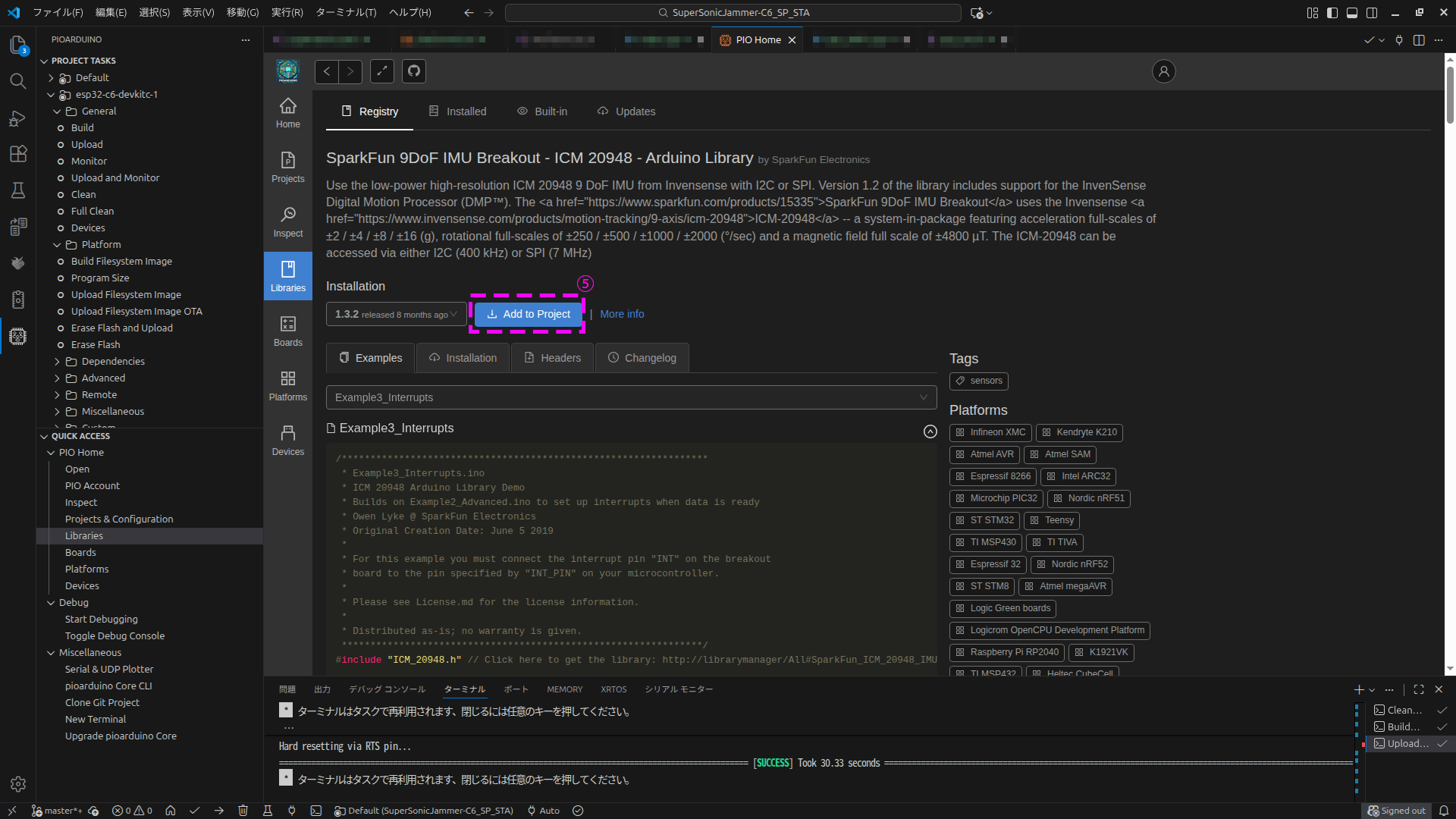
I have a SparkFun 9DoF IMU Breakout board and a Sparkfun ESP32C6 Thing Plus module. Using the Arduino IDE and test code provided by Sparkfun I’m able to use the IMU as expected. Recently I’ve been trying to get these two boards to work using the “pioarduino” extension installed in VsCode. The platformio.ini file is as follows:
; PlatformIO Project Configuration File
;
;   Build options: build flags, source filter
;   Upload options: custom upload port, speed and extra flags
;   Library options: dependencies, extra library storages
;   Advanced options: extra scripting
;
; Please visit documentation for the other options and examples
; https://docs.platformio.org/page/projectconf.html

[env:sparkfun_esp32c6_thing_plus]
platform = https://github.com/pioarduino/platform-espressif32/releases/download/stable/platform-espressif32.zip
board = sparkfun_esp32c6_thing_plus
framework = arduino
lib_deps =sparkfun/SparkFun 9DoF IMU Breakout - ICM 20948 - Arduino Library @ ^1.3.2
monitor_speed = 115200
Below is console output:
Processing sparkfun_esp32c6_thing_plus (platform: https://github.com/pioarduino/platform-espressif32/releases/download/stable/platform-espressif32.zip; board: sparkfun_esp32c6_thing_plus; framework: arduino)
-----------------------------------------------------------------------------------------------------------------
Verbose mode can be enabled via `-v, --verbose` option
CONFIGURATION: https://docs.platformio.org/page/boards/espressif32/sparkfun_esp32c6_thing_plus.html
PLATFORM: Espressif 32 (55.3.35) > Sparkfun ESP32-C6 Thing Plus
HARDWARE: ESP32C6 160MHz, 320KB RAM, 16MB Flash
DEBUG: Current (cmsis-dap) External (cmsis-dap, esp-bridge, esp-builtin, esp-prog, iot-bus-jtag, jlink, minimodule, olimex-arm-usb-ocd, olimex-arm-usb-ocd-h, olimex-arm-usb-tiny-h, olimex-jtag-tiny, tumpa)
PACKAGES:
 - contrib-piohome @ 3.4.4
 - framework-arduinoespressif32 @ 3.3.5
 - framework-arduinoespressif32-libs @ 5.5.0+sha.9bb7aa84fe
 - tool-dfuutil-arduino @ 1.11.0
 - tool-esptoolpy @ 5.1.0
 - tool-mkfatfs @ 2.0.1
 - tool-mklittlefs @ 3.2.0
 - tool-mklittlefs4 @ 4.0.2
 - tool-mkspiffs @ 2.230.0 (2.30)
 - toolchain-riscv32-esp @ 14.2.0+20251107
LDF: Library Dependency Finder -> https://bit.ly/configure-pio-ldf
LDF Modes: Finder ~ chain, Compatibility ~ soft
Found 46 compatible libraries
Scanning dependencies...
Dependency Graph
|-- SparkFun 9DoF IMU Breakout - ICM 20948 - Arduino Library @ 1.3.2
Building in release mode
Compiling .pio/build/sparkfun_esp32c6_thing_plus/src/main.cpp.o
Compiling .pio/build/sparkfun_esp32c6_thing_plus/FrameworkArduino/HEXBuilder.cpp.o
Compiling .pio/build/sparkfun_esp32c6_thing_plus/FrameworkArduino/HWCDC.cpp.o
Compiling .pio/build/sparkfun_esp32c6_thing_plus/FrameworkArduino/HardwareSerial.cpp.o
Compiling .pio/build/sparkfun_esp32c6_thing_plus/FrameworkArduino/HashBuilder.cpp.o
Compiling .pio/build/sparkfun_esp32c6_thing_plus/FrameworkArduino/IPAddress.cpp.o
Compiling .pio/build/sparkfun_esp32c6_thing_plus/FrameworkArduino/MD5Builder.cpp.o
Compiling .pio/build/sparkfun_esp32c6_thing_plus/FrameworkArduino/MacAddress.cpp.o
src/main.cpp:14:10: fatal error: ICM_20948_WE.h: No such file or directory

**********************************************************************
* Looking for ICM_20948_WE.h dependency? Check our library registry!
*
* CLI  > platformio lib search "header:ICM_20948_WE.h"
* Web  > https://registry.platformio.org/search?q=header:ICM_20948_WE.h
*
**********************************************************************

   14 | #include "ICM_20948_WE.h" // Click here to get the library: http://librarymanager/All#SparkFun_ICM_20948_IMU
      |          ^~~~~~~~~~~~~~~~
compilation terminated.
*** [.pio/build/sparkfun_esp32c6_thing_plus/src/main.cpp.o] Error 1
========================================== [FAILED] Took 4.68 seconds ==========================================

Environment                  Status    Duration
---------------------------  --------  ------------
sparkfun_esp32c6_thing_plus  FAILED    00:00:04.676
===================================== 1 failed, 0 succeeded in 00:00:13.742 =====================================
And here is the Sparkfun code:
#include <Arduino.h>

/****************************************************************
 * Example1_Basics.ino
 * ICM 20948 Arduino Library Demo
 * Use the default configuration to stream 9-axis IMU data
 * Owen Lyke @ SparkFun Electronics
 * Original Creation Date: April 17 2019
 *
 * Please see License.md for the license information.
 *
 * Distributed as-is; no warranty is given.
 ***************************************************************/
#include "ICM_20948_WE.h" // Click here to get the library: http://librarymanager/All#SparkFun_ICM_20948_IMU

 * Distributed as-is; no warranty is given.


//#define USE_SPI       // Uncomment this to use SPI

#define SERIAL_PORT Serial

#define SPI_PORT SPI // Your desired SPI port.       Used only when "USE_SPI" is defined
#define CS_PIN 2     // Which pin you connect CS to. Used only when "USE_SPI" is defined

#define WIRE_PORT Wire // Your desired Wire port.      Used when "USE_SPI" is not defined
// The value of the last bit of the I2C address.
// On the SparkFun 9DoF IMU breakout the default is 1, and when the ADR jumper is closed the value becomes 0
#define AD0_VAL 1

#ifdef USE_SPI
ICM_20948_SPI myICM; // If using SPI create an ICM_20948_SPI object
#else
ICM_20948_I2C myICM; // Otherwise create an ICM_20948_I2C object
#endif

void setup()
{

  SERIAL_PORT.begin(115200);
  while (!SERIAL_PORT)
  {
  };

#ifdef USE_SPI
  SPI_PORT.begin();
#else
  WIRE_PORT.begin();
  WIRE_PORT.setClock(400000);
#endif

  //myICM.enableDebugging(); // Uncomment this line to enable helpful debug messages on Serial

  bool initialized = false;
  while (!initialized)
  {

#ifdef USE_SPI
    myICM.begin(CS_PIN, SPI_PORT);
#else
    myICM.begin(WIRE_PORT, AD0_VAL);
#endif

    SERIAL_PORT.print(F("Initialization of the sensor returned: "));
    SERIAL_PORT.println(myICM.statusString());
    if (myICM.status != ICM_20948_Stat_Ok)
    {
      SERIAL_PORT.println("Trying again...");
      delay(500);
    }
    else
    {
      initialized = true;
    }
  }
}

void loop()
{

  if (myICM.dataReady())
  {
    myICM.getAGMT();         // The values are only updated when you call 'getAGMT'
                             //    printRawAGMT( myICM.agmt );     // Uncomment this to see the raw values, taken directly from the agmt structure
    printScaledAGMT(&myICM); // This function takes into account the scale settings from when the measurement was made to calculate the values with units
    delay(250);
  }
  else
  {
    SERIAL_PORT.println("Waiting for data");
    delay(500);
  }
}

// Below here are some helper functions to print the data nicely!

void printPaddedInt16b(int16_t val)
{
  if (val > 0)
  {
    SERIAL_PORT.print(" ");
    if (val < 10000)
    {
      SERIAL_PORT.print("0");
    }
    if (val < 1000)
    {
      SERIAL_PORT.print("0");
    }
    if (val < 100)
    {
      SERIAL_PORT.print("0");
    }
    if (val < 10)
    {
      SERIAL_PORT.print("0");
    }
  }
  else
  {
    SERIAL_PORT.print("-");
    if (abs(val) < 10000)
    {
      SERIAL_PORT.print("0");
    }
    if (abs(val) < 1000)
    {
      SERIAL_PORT.print("0");
    }
    if (abs(val) < 100)
    {
      SERIAL_PORT.print("0");
    }
    if (abs(val) < 10)
    {
      SERIAL_PORT.print("0");
    }
  }
  SERIAL_PORT.print(abs(val));
}

void printRawAGMT(ICM_20948_AGMT_t agmt)
{
  SERIAL_PORT.print("RAW. Acc [ ");
  printPaddedInt16b(agmt.acc.axes.x);
  SERIAL_PORT.print(", ");
  printPaddedInt16b(agmt.acc.axes.y);
  SERIAL_PORT.print(", ");
  printPaddedInt16b(agmt.acc.axes.z);
  SERIAL_PORT.print(" ], Gyr [ ");
  printPaddedInt16b(agmt.gyr.axes.x);
  SERIAL_PORT.print(", ");
  printPaddedInt16b(agmt.gyr.axes.y);
  SERIAL_PORT.print(", ");
  printPaddedInt16b(agmt.gyr.axes.z);
  SERIAL_PORT.print(" ], Mag [ ");
  printPaddedInt16b(agmt.mag.axes.x);
  SERIAL_PORT.print(", ");
  printPaddedInt16b(agmt.mag.axes.y);
  SERIAL_PORT.print(", ");
  printPaddedInt16b(agmt.mag.axes.z);
  SERIAL_PORT.print(" ], Tmp [ ");
  printPaddedInt16b(agmt.tmp.val);
  SERIAL_PORT.print(" ]");
  SERIAL_PORT.println();
}

void printFormattedFloat(float val, uint8_t leading, uint8_t decimals)
{
  float aval = abs(val);
  if (val < 0)
  {
    SERIAL_PORT.print("-");
  }
  else
  {
    SERIAL_PORT.print(" ");
  }
  for (uint8_t indi = 0; indi < leading; indi++)
  {
    uint32_t tenpow = 0;
    if (indi < (leading - 1))
    {
      tenpow = 1;
    }
    for (uint8_t c = 0; c < (leading - 1 - indi); c++)
    {
      tenpow *= 10;
    }
    if (aval < tenpow)
    {
      SERIAL_PORT.print("0");
    }
    else
    {
      break;
    }
  }
  if (val < 0)
  {
    SERIAL_PORT.print(-val, decimals);
  }
  else
  {
    SERIAL_PORT.print(val, decimals);
  }
}

#ifdef USE_SPI
void printScaledAGMT(ICM_20948_SPI *sensor)
{
#else
void printScaledAGMT(ICM_20948_I2C *sensor)
{
#endif
  SERIAL_PORT.print("Scaled. Acc (mg) [ ");
  printFormattedFloat(sensor->accX(), 5, 2);
  SERIAL_PORT.print(", ");
  printFormattedFloat(sensor->accY(), 5, 2);
  SERIAL_PORT.print(", ");
  printFormattedFloat(sensor->accZ(), 5, 2);
  SERIAL_PORT.print(" ], Gyr (DPS) [ ");
  printFormattedFloat(sensor->gyrX(), 5, 2);
  SERIAL_PORT.print(", ");
  printFormattedFloat(sensor->gyrY(), 5, 2);
  SERIAL_PORT.print(", ");
  printFormattedFloat(sensor->gyrZ(), 5, 2);
  SERIAL_PORT.print(" ], Mag (uT) [ ");
  printFormattedFloat(sensor->magX(), 5, 2);
  SERIAL_PORT.print(", ");
  printFormattedFloat(sensor->magY(), 5, 2);
  SERIAL_PORT.print(", ");
  printFormattedFloat(sensor->magZ(), 5, 2);
  SERIAL_PORT.print(" ], Tmp (C) [ ");
  printFormattedFloat(sensor->temp(), 5, 2);
  SERIAL_PORT.print(" ]");
  SERIAL_PORT.println();
}
Any suggestions for resolving this problem will be much appreciated. - Thank you!