You need to do as the Espressif Docs say.
First, you need a partition table that allows some storage for SPIFFS files. The default one, partitions_singleapp.csv, has no spiffs partition (see PlatformIO docs). So, I copied that file into my project and, adapting from the Arduino file here,
I wrote my partitions_custom.csv as
# Name,   Type, SubType, Offset,  Size, Flags
# Note: if you have increased the bootloader size, make sure to update the offsets to avoid overlap
nvs,      data, nvs,     ,        0x6000,
phy_init, data, phy,     ,        0x1000,
factory,  app,  factory, ,        1M,
spiffs,   data, spiffs,  ,        1M
for a 1MB SPIFFS into the root of my project folder.
Further I need to tell PlatformIO and the ESP-IDF tools that that is now my partition table, so I add
board_build.partitions = partitions_custom.csv
to my platformio.ini and use the “Run Menuconfig” project task to go into “Partition Table” and change it to a custom partition with the file name I have chosen.
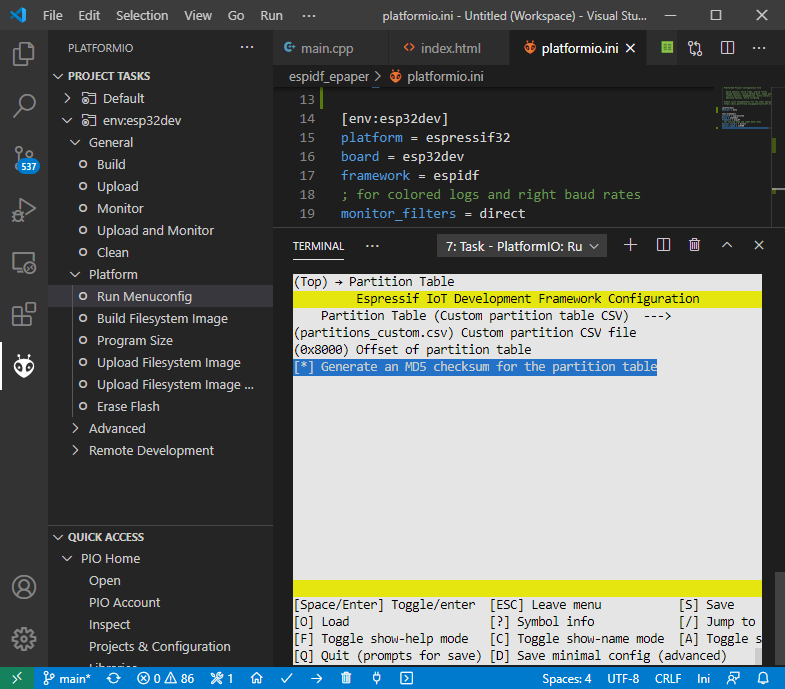
And I quit-and-save out of that. Further, as per docs linked above, I now modify the CMakeLists.txt file in the root of my project to tell it that I want to build the SPIFFS partition binary from a certain folder in my project, by adding
spiffs_create_partition_image(spiffs data)
and the bottom to fill the spiffs partition with the files from data. I then create a data folder in my project and put in a index.html with some file content.
I use the project task “Build Filesystem Image” and…
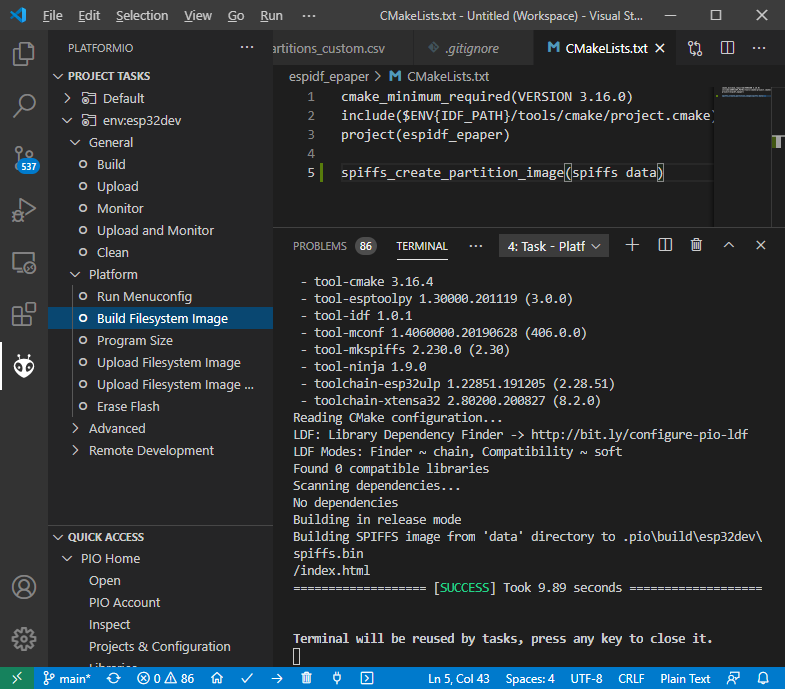
it works.
And then I can flash it to my ESP32 with “Upload Filesystem Image”…
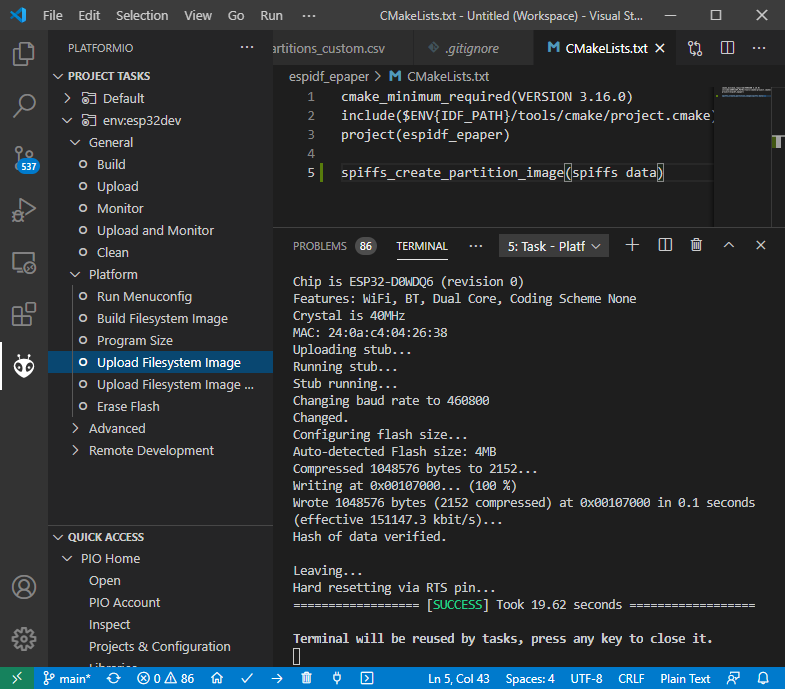
and that nicely works too.
Notice the offset Writing at 0x00107000... is correct. Sum up the sizes in the partition table of 0x6000, 0x1000 and 1MB (=0x100000) and you receive 0x107000.
So with that configuration per Espressif docs, all is well.