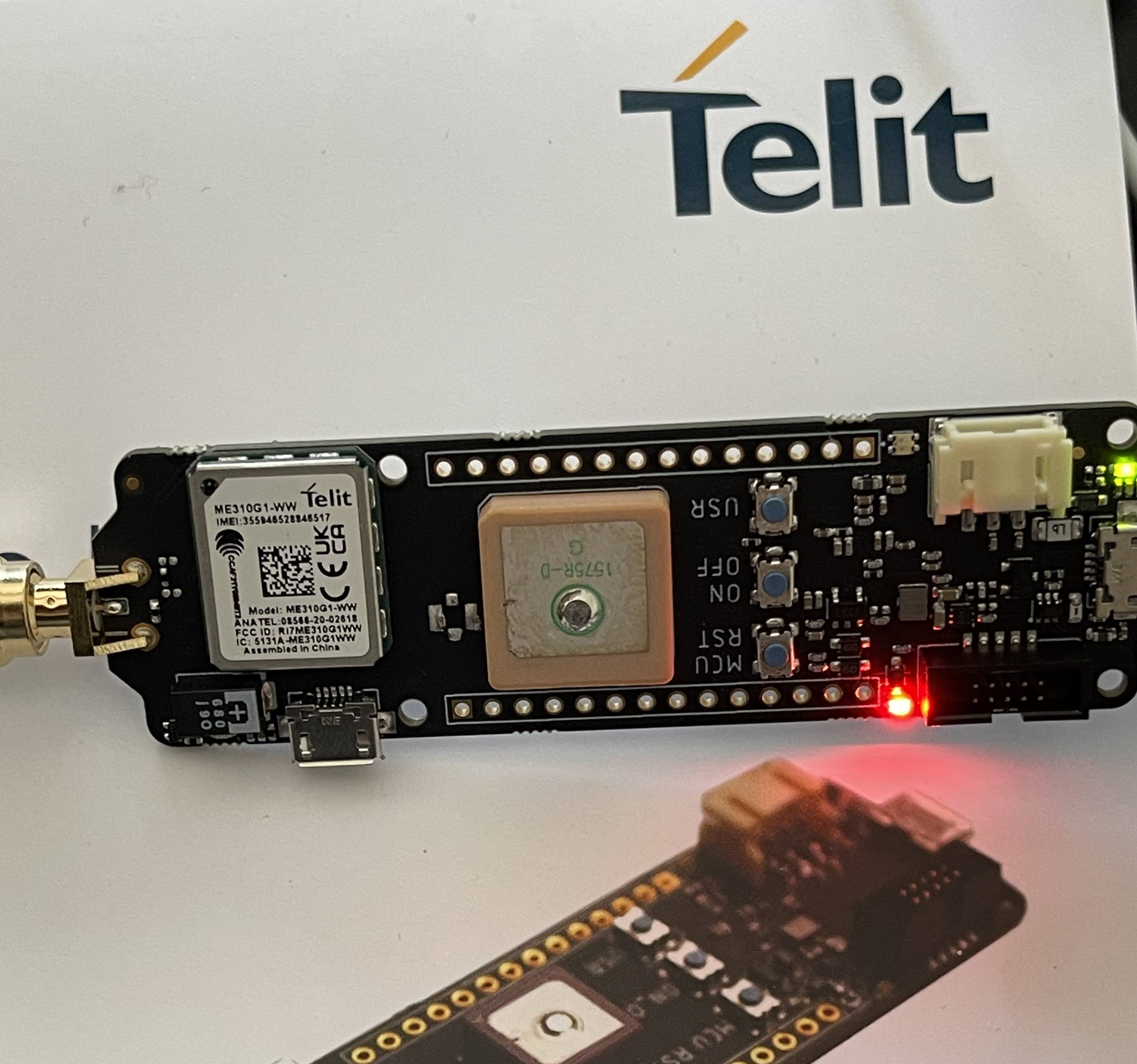
So, I have a Telit EVK – Charlie board. It’s an ATSAMD21G18A-based board. Since this MCU is already supported by PIO, I naively thought that flashing this board using PIO would be as simple as:
platform = atmelsam
board = samd21g18a
Unfortunately, even after tweaking the upload_protocol, I can’t successfully flash the board…
Adding support for a new Arduino core is showcased in a few PRs of the e.g. atmelsam platform (example 1, example 2). But without a good knowledge of PlatformIO instrinsics like package management, the platform script, the builder script, board definitions etc., it’s not exactly easy for newcomers to add support.
I’ve forked platform-atmelsam with added Telit Charlie support and created an example project: You would just need to clone it and open it in VSCode, no modifications needed.
It works by creating a new board definition, forking the Arduino core with the needed package.jsonhere and adapting the builder script to use the same package versions as the Arduino core’s package_Telit-board_index.json dictates, as well as adapted build paths (e.g., cores/def). You can inspect the diff here