I’m using Cursor IDE and want to install PlatformIO. Found it in extensions and installed it. Clicking on it starts “Initializing PlatformIO Core…” and nothing happens thereafter. Do I need any other dependencies to get this going or am I missing anything else?
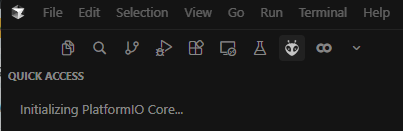
I think it may run for some time in the background if it’s the first time install. I certainly ran PlatformIO in Cursor.
Ok, I tried again and don’t see any activity in the output tab for the last 30 mins. So I’m not sure this is doing anything. I remember having it installed on VSC a few months ago without any issues.
I’m on the latest Cursor version v2.6.22
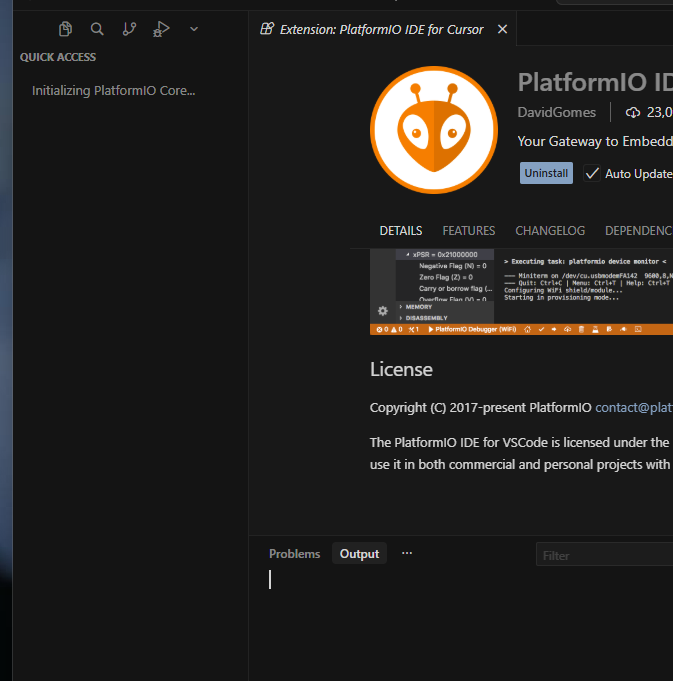
Same problem…VSC works properly but not Cursor IDE 
1 Like
Interesting observation:
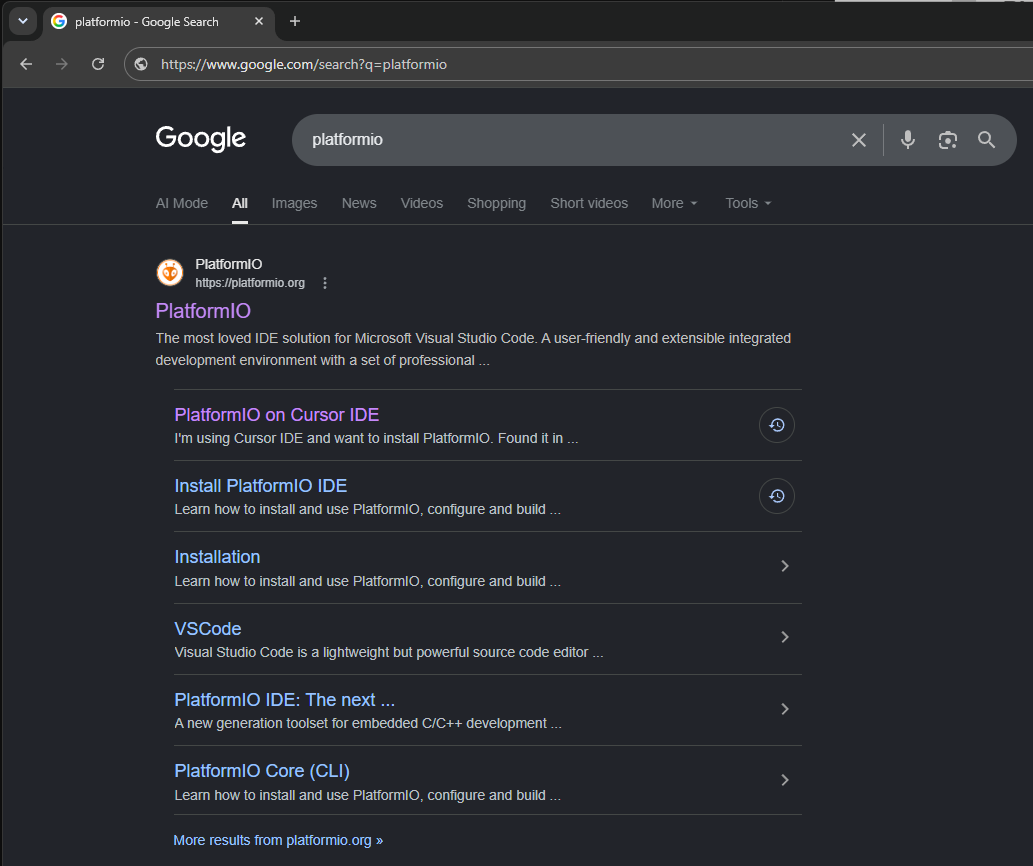
This Thread is #1 Google Result for “platformio” Search
(in Mexico and Canada)
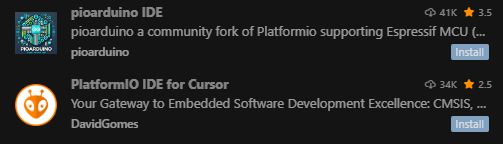
Also Cursor → Extensions (openvsix) has three forks of PlatformIO
There are currently three forks that shows up in openvsix in Cursor IDE:

It’s still possible to install the main PlatformIO in Cursor but you need to make some (relatively non-intuitive) manual edits. Especially if you’re using WSL in Cursor.
Now that said, there seems to be github activity to improve the main PlatformIO for an easier out-of-box solution to obsolete those forks.
So hopefully the situation resolves itself (eventually) as useful features (ability to use clang, etc, ability to choose a different intellisense engine, etc) gets ported over that improves compatibility with multiple VSCode forks.
Being that said, the situation is so intense-demand that Google #1 search result for “platformio” is this thread.
Uxe pioarduino VSC extension