That looks to be a bug, as it’s much worse than that. If, for instance, you merely click on the platform entry, and then click away from it, it clears both the board and framework. I thought at first it worked if you clicked on the auto-complete prompt, but even then it deletes the other entries 
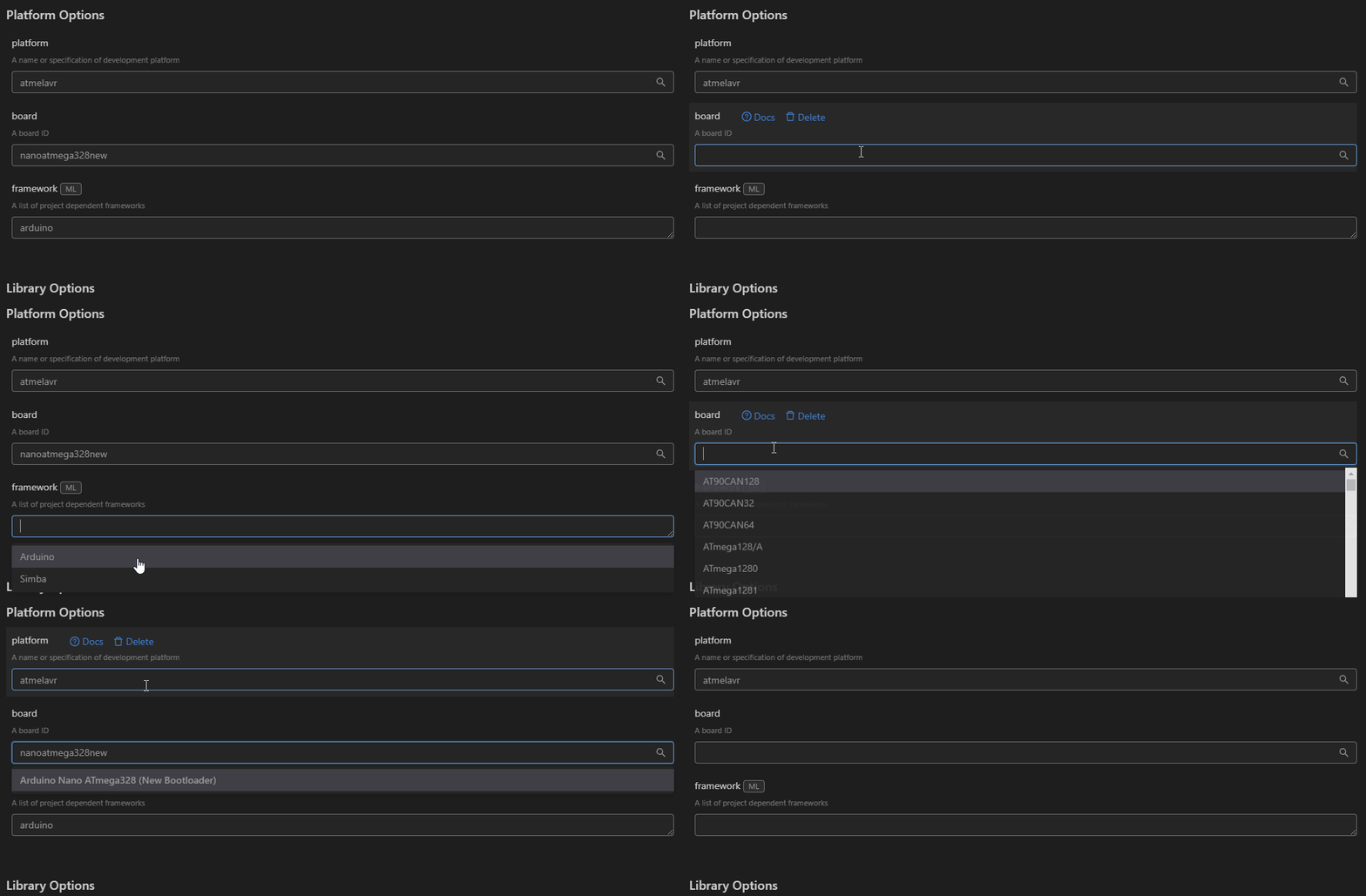
The triple dots appears to be related to the multi-line nature of the framework field, and I can get it to behave half of the time. It seems to get confused if the field wasn’t completely empty to start with… if there is any whitespace at all, it prepends the ... and will insert the selected entry on a new line. And yeah, it does confuse a bit that the field doesn’t auto-expand if add to.
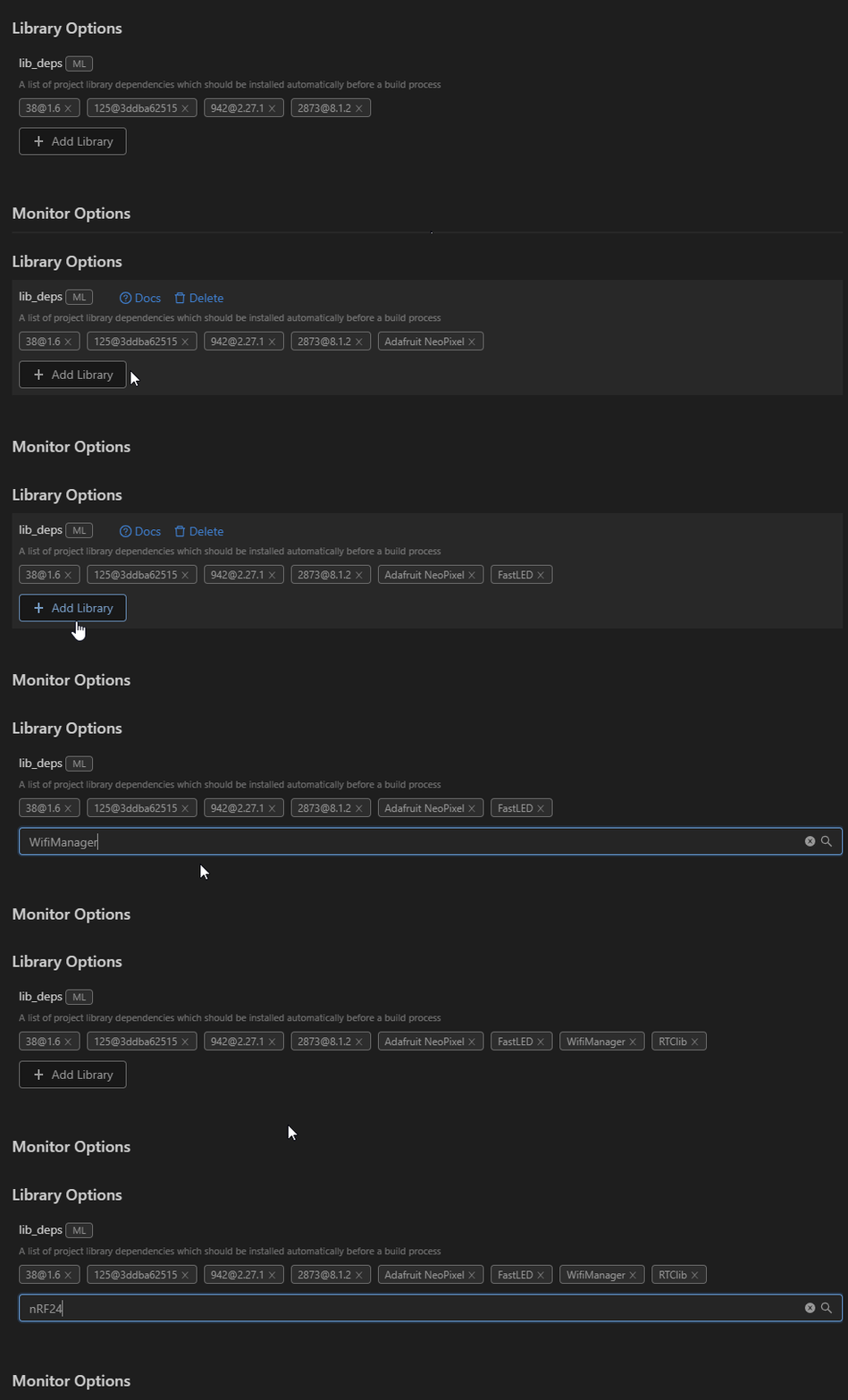
I didn’t have any issues with the lib_deps search (yet!  )… I typed, waited 1-1.5 seconds and it gave me options… picked my option… and then pressed enter to add it (maybe that last bit isn’t so intuitive?) Or sooner if I clicked the search icon. But yes, perhaps a spinner similar to the one used on the main home screen whilst it’s searching could be implemented, for when there are issues with internet connection, i.e. slow, etc. I suppose editing existing values is in the ‘too hard basket’ for now? Or is that a ‘go edit the
 platformio.ini file’ occasion.
Thank you for pointing out the newly created projects aren’t added… I completely forgot to mention that when I encountered it. IIRC, it does get added if you create it from the Projects page, but not from the home page?
This is on Windows 10 w/ PIO Home 3.1.0-beta.7 & Core 4.1.1b5