If I run any command in my project: clean, build, upload, even serial terminal… Then the platformio.exe hangs in visual code terminal. I can see the command line launches the executable but it does nothing after.
Originally, VS Code wouldn’t launch I’d click the icon to load VS Code and nothing would happen. I reinstalled VS Code and this issue with platformio surfaced.
So far I:
- Uninstalled VS Code, Python, Git, and deleted the platformio folder under users
- I rebooted twice afterward each reinstall
- Reinstalled VS Code and the Platformio executable.
- Tried rolling back to previous version of platformio
- Firewall is disabled
- Virus checker is disabled
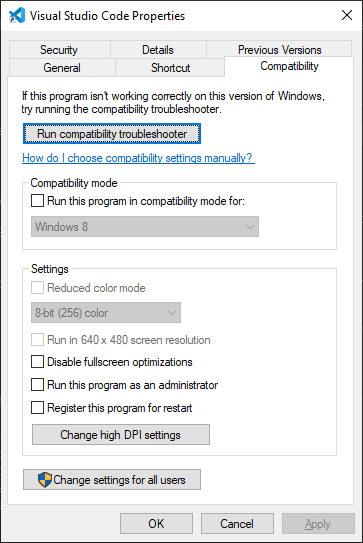
- I tried loading software as administrator
- All my path variables are there for Git and Python
I’ve tried above in any number of combinations for several hours now…
- I also tried deleting the platformio build folders in the project.
Everything is same result. I’m running Windows 10. Monitoring task manager during any invocation of the Platoformio.exe I notice the CPU never idles back down for the task. Platformio.exe just hangs and does nothing. I’m running out of ideas to try and get this running.