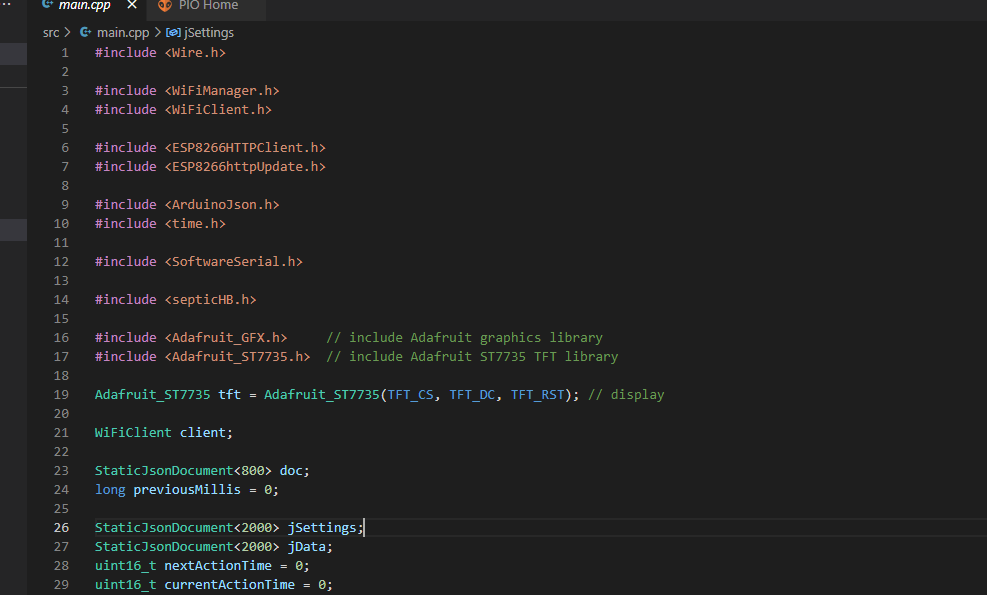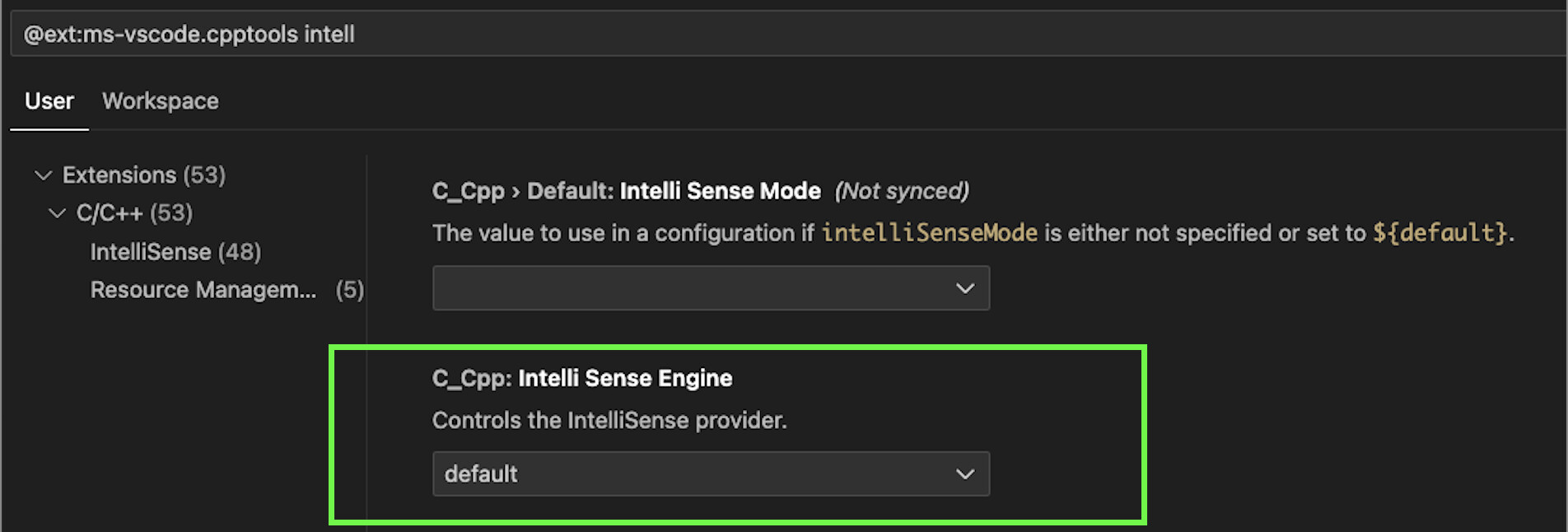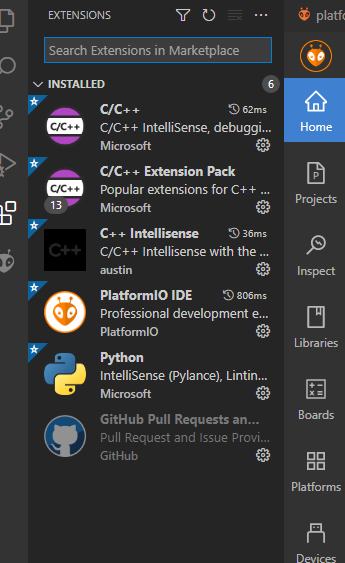
Delete the C++ Intellisense extension by austin, it is known to conflict with PlatformIO. Restart VSCode afterwards and do a Ctrl+Shift+P → Rebuild IntelliSense.

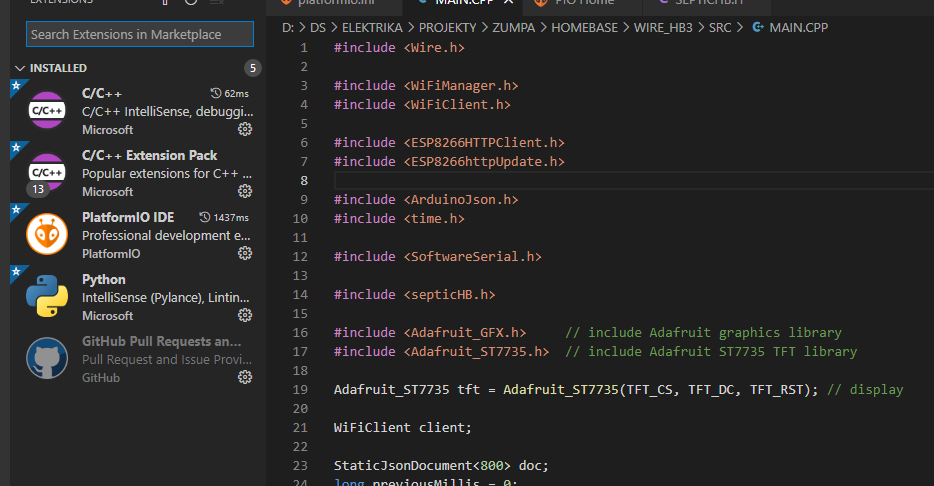
Yeah okay I have no idea what’s going on there.
Try to file an issue at Issues · platformio/platformio-vscode-ide · GitHub
Thank you for your time 
I can work OK, but I can’t use all advantages of the IDE.
Maybe I have to reinstall it
Thank you again
Just for your info how it looks, when I copy whole project to the C drive