Works for me.
- Make sure you’ve switched to the correct project + environment using the project environment switcher
- Build the project once to ensure all libraries are downloaded.
- Issue a rebuild intellise command (Ctrl+Shift+P → Rebuild IntelliSense)
- Make sure your code file is a .cpp file, not .ino.
It should look like
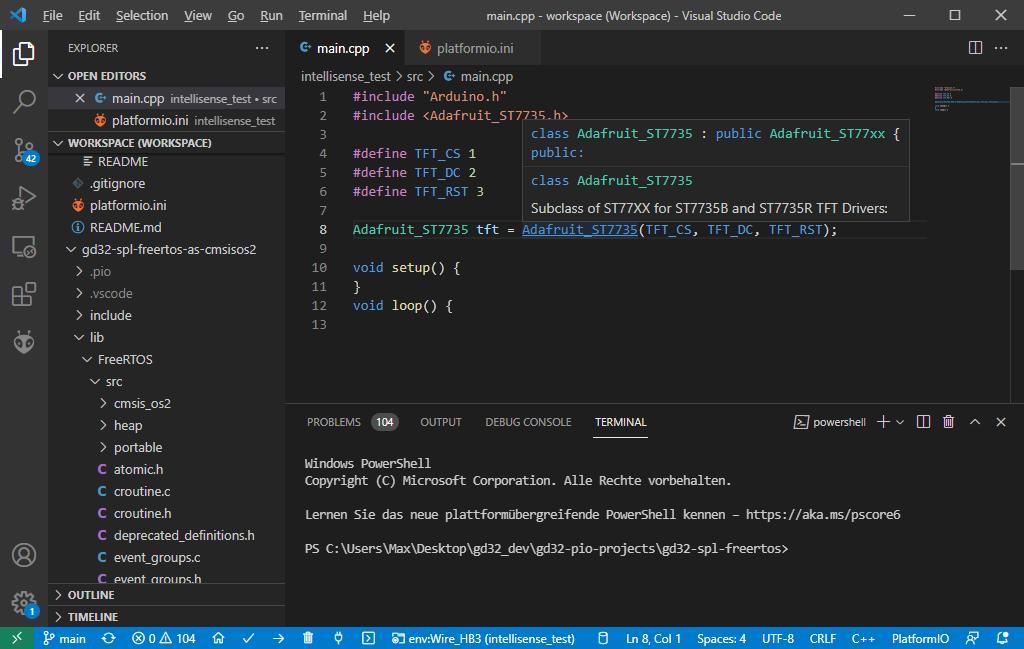
If that is not the case, you may have conflicting VSCode extensions installed.