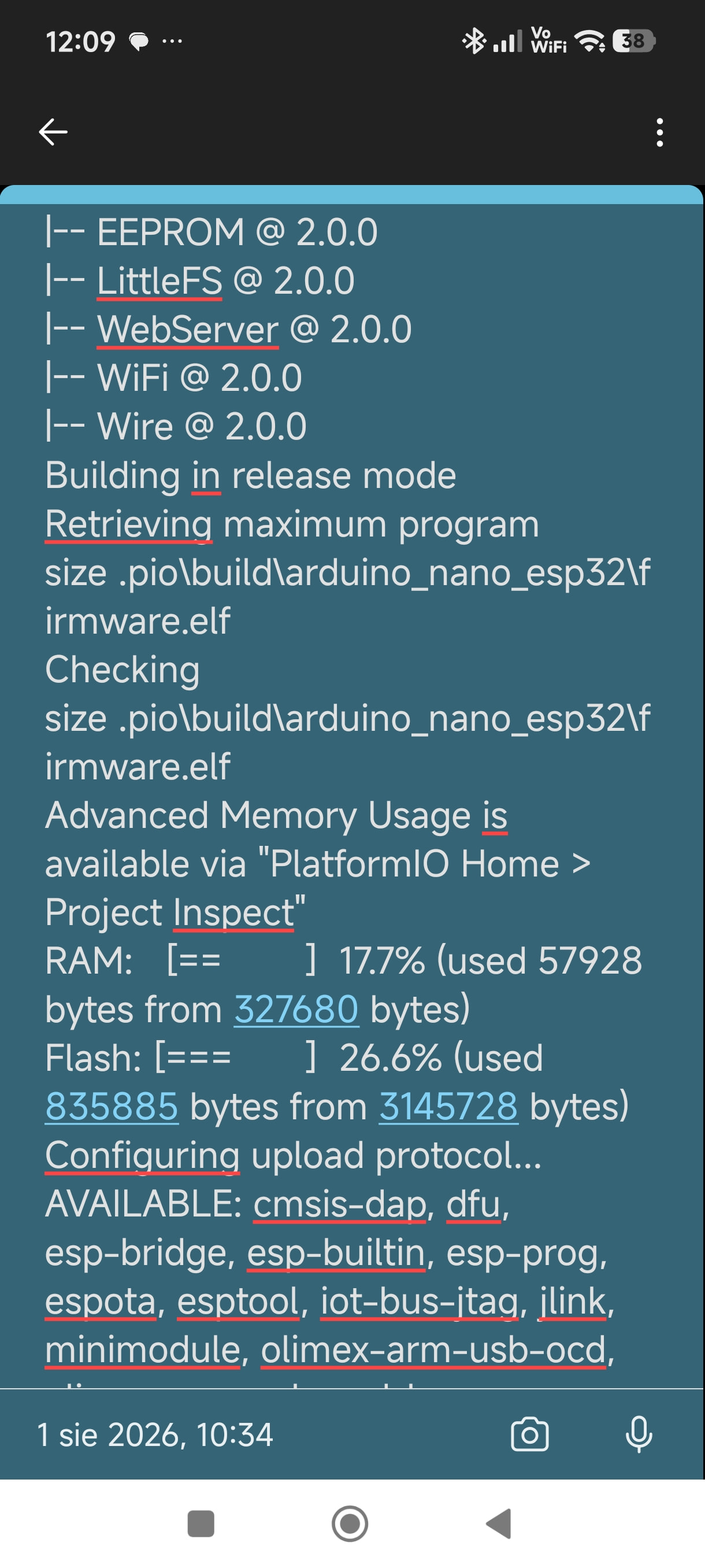
Nano ESp32 S3 [ESP32] Problem with LittleFS data upload (uploaddfs) after struggling with firmware upload

Hello everyone,

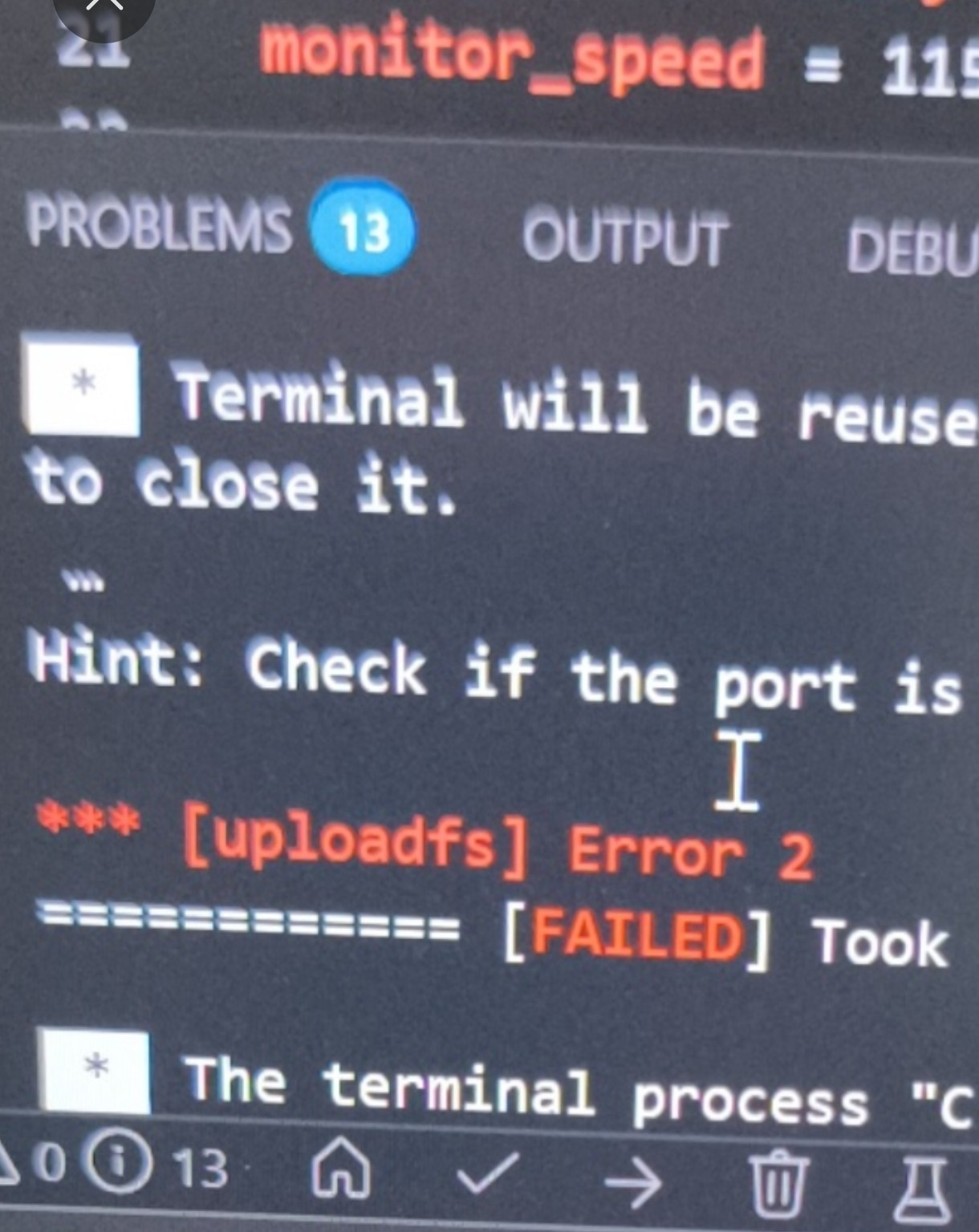
I am working on an ESP32 project using PlatformIO, and I am encountering an issue when trying to upload the contents of the data folder (HTML/CSS files) using the Data Upload task (uploaddfs).

Although after some struggle we managed to get through the finicky firmware uploads (which didn’t always want to cooperate smoothly on the first try), uploading the file system still fails or cannot establish proper communication with the board.

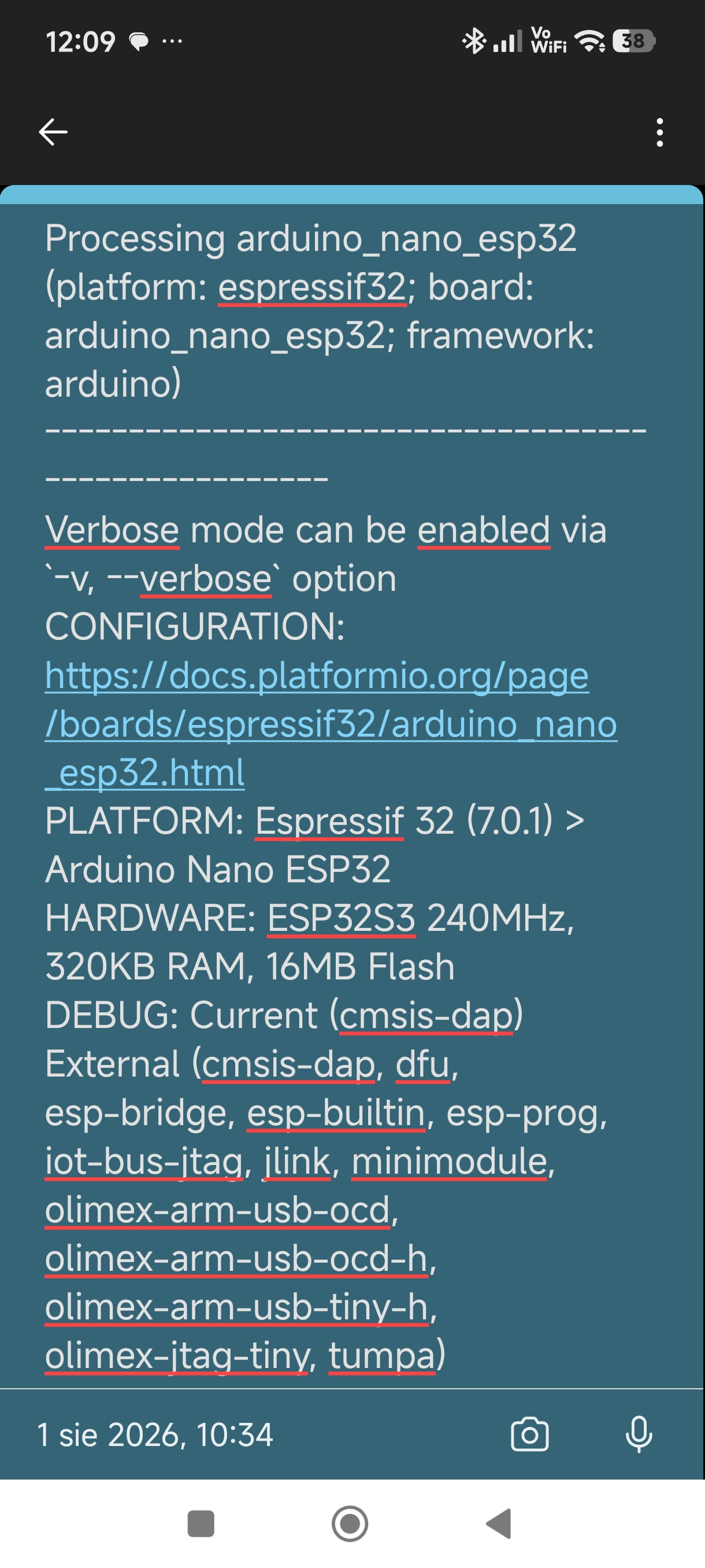
Board: Nano ESP32 (or standard ESP32 module)

Framework: Arduino

Filesystem: LittleFS

What are the common troubleshooting steps or alternative configurations (e.g., partition table adjustments) to resolve filesystem upload errors in PlatformIO?

Thanks for your help!
It seems you are having some trouble, but it appears there isn’t enough information for the knowledgeable members of this community to offer useful advice. Could you please share the following details?
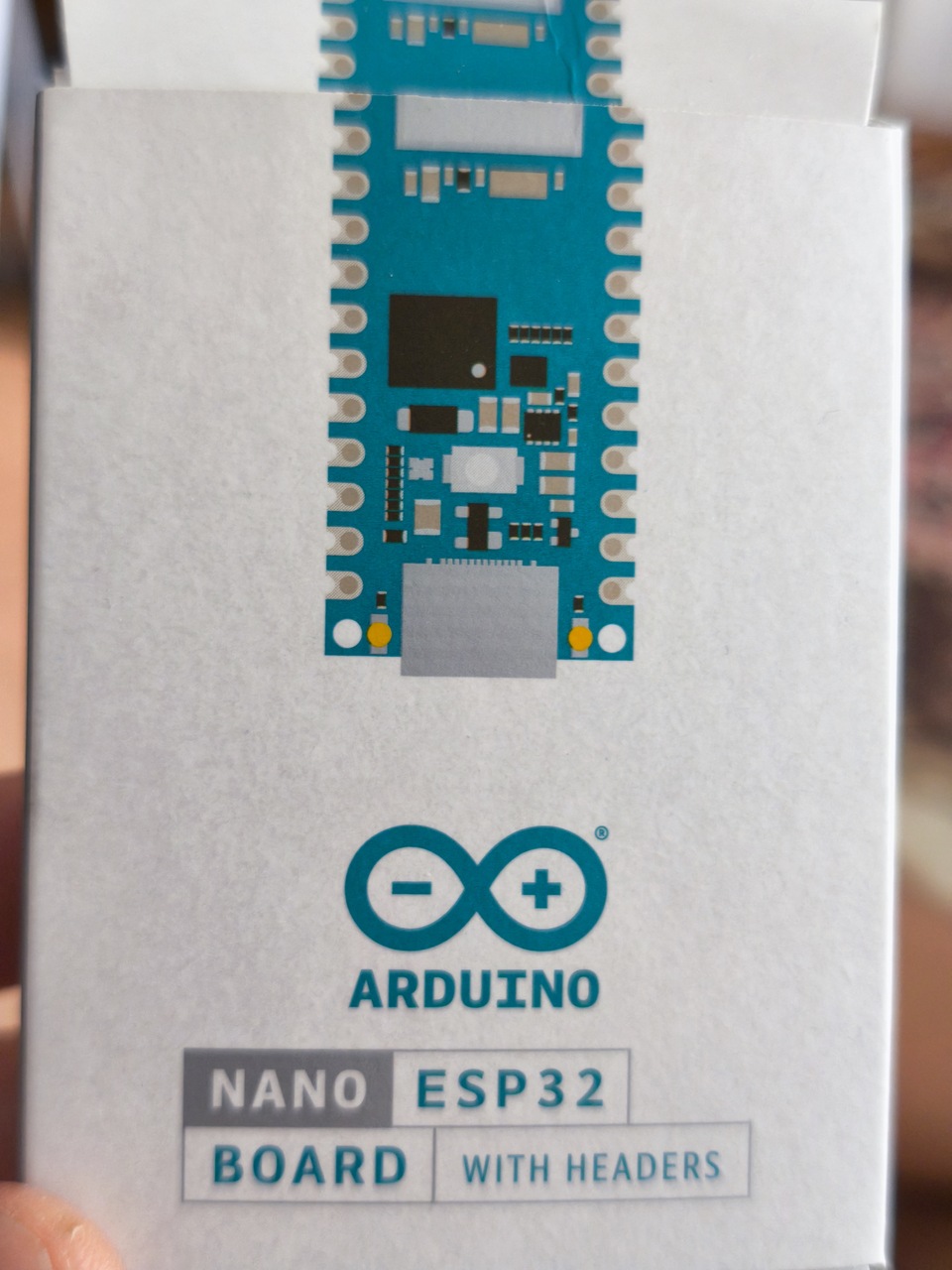
・The official and specific name of the board you are using (Is it an original Arduino or a clone?)
・Your project’s folder structure
・The full contents of your current platform.ini file
・Information regarding the partitions you are using (Are you using custom settings?)
・The logs from when you ran “Build Filesystem Image” and “Upload Filesystem Image”
Since screenshots may not capture the full picture, please copy and paste the actual output text.

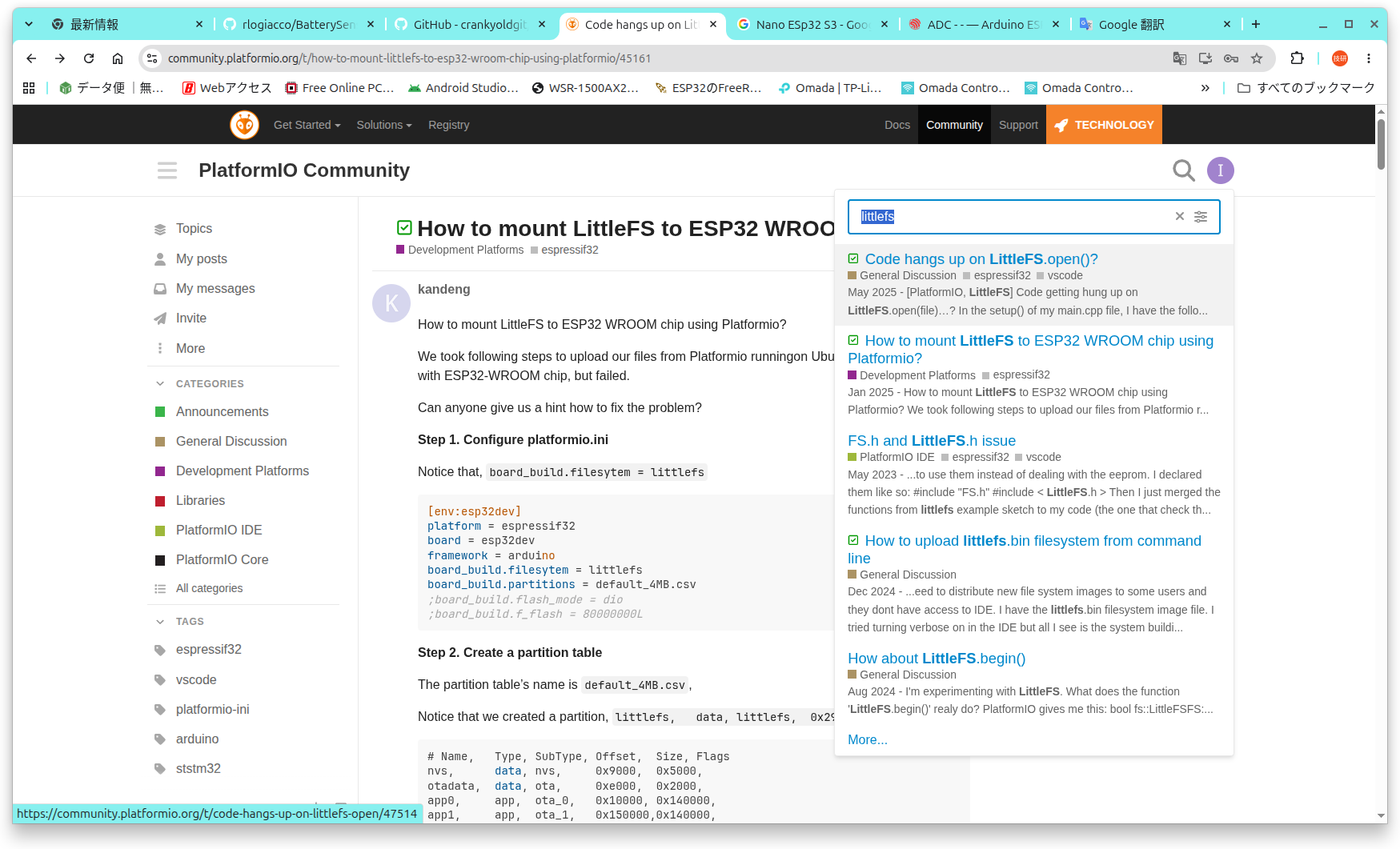
You might also find some helpful hints by looking at topics previously discussed in this community (see the attached image).

Hello!

Thanks for the reply. Since the project repository contains all the detailed file structures, configurations, and code, you can check everything directly on GitHub to see how it’s set up:

:link: GitHub Repository: GitHub - mplik/Nano_ESP32_Tetris: Klasyczna gra Tetris na Arduino ESP32 Nano z wyświetlaczem OLED 128x64 i sterowanie joystickiem analogowym. · GitHub

To answer your questions based on the project structure:

  • Board: Arduino Nano ESP32 (official board).
  • Project Structure: Standard PlatformIO layout with a data folder containing index.html and style.css, and source files in src/.
  • Partition Table & platform.ini: All configurations, partition settings, and dependencies are fully visible in the platform.ini file on the repo.

If anyone is willing to take a look at the repository structure or code to help figure out why the filesystem upload (uploaddfs) is being finicky alongside the firmware uploads, I would really appreciate it!

Thank you.
The GitHub link seems a bit off; is this the correct one?

Also, please provide the following:
・The full logs (in text format) from running “Build filesystem image” and “Upload filesystem image.”

Sorry, your link is correct.
The issue was with my translation environment.

I referred to the GitHub repository you provided and attempted to reproduce the issue in my own environment.
The board definition file arduino_nano_esp32.json references app3M_fat9M_fact512k_16M.csv.
Its contents were as follows:

# Name,   Type, SubType,  Offset,   Size,     Flags

nvs,      data, nvs,        0x9000,   0x5000,
otadata,  data, ota,        0xe000,   0x2000,
app0,     app,  ota_0,     0x10000, 0x300000,
app1,     app,  ota_1,    0x310000, 0x300000,
ffat,     data, fat,      0x610000, 0x960000,
factory,  app,  factory,  0xF70000,  0x80000,
coredump, data, coredump, 0xFF0000,  0x10000,

The contents of this CSV do not appear suitable for using LittleFS.
It seems necessary to create a new custom CSV file.
Specifically, you need to prepare a separate CSV file with the following line modified:
ffat, data, fat, 0x610000, 0x960000,
Change this as follows:
Setting the SubType to spiffs is the safest approach (as this is treated as the default partition label).
spiffs, data, spiffs, 0x610000, 0x960000,
Then, add the following line to platformio.ini:
board_build.partitions = (full path to the new CSV file)

I can’t upload the content of the Build Filesystem Image and Upload Filesystem Image process because new users can only upload two links and the pasted content seems to contain more than two .. How can I do it differently?

Hey, I managed to upload the files after your intervention and implementing your suggestions!! You are great!! :bullseye::flexed_biceps:t2::flexed_biceps:t2: Thank you, if I can help with anything in the future, I’m here to help!! Thank you Thank You Thank You

Please copy the relevant text and paste it into your post.
Once pasted, highlight the text and click the </> icon to make it easier to read.
Thank you.

Please also refer to this:

Hey, I managed to upload the files after your intervention and implementing your suggestions!! You are great!! :bullseye::flexed_biceps:t2::flexed_biceps:t2: Thank you, if I can help with anything in the future, I’m here to help!! Thank you

I’m sorry but I have a similar problem, I don’t want to take so much time but my time is definitely running out, I connected another identical board and tried to upload it with the updated settings I had previously entered, the upload was successful but the data file upload still ends with the same errors 1 and 2, I added button support and unfortunately I still can’t upload the data file.

This problem doesn’t seem to occur in the A00005 nano board, but I configure it a bit differently.

We need more information to resolve the issue occurring in your environment.
Specifically, we require the following details that were mentioned previously:
・The official name and specific type of the board you are using (genuine Arduino, or a compatible/clone board)
・Your project’s folder structure
・The full contents of your current platformio.ini file
・Information regarding the partitions being used (are you using custom settings?)
・The logs generated when running “Build Filesystem Image” and “Upload Filesystem Image”

The error logs contain a detailed record of what occurred, making them the most likely source of clues for a solution.
I understand you are busy, but accurately understanding the situation is the most crucial step toward a resolution.
Please start by sharing that information here. Simply stating that “Errors 1 and 2 occurred in the same way” does not provide enough detail.
Troubleshooting involves repeating steps 1 through 3 listed below; while it may seem tedious, it is ultimately the fastest route to a solution. There are rarely shortcuts to an immediate fix.

  1. Understand the details of the problem
  2. Hypothesize the cause
  3. Implement measures based on that hypothesis and verify the results

Please prioritize sharing the text from the “Build Filesystem Image” and “Upload Filesystem Image” logs (text data rather than photos; in English, if possible).
We also need information about the board itself and the details of your platformio.ini file.
Providing this information will make it easier for knowledgeable members of this community to offer advice.

I posted the box on Discord, maybe I can send a private message there with more information because here I have limited options to send the exact details of the problem along with links

Commit 59d2750

Nano ESP32

I am very sorry, but to be honest, I have absolutely no idea how to use Discord.

I have no clue how to locate or access a “BOX” created using keywords like “Commit 59d2750” or “Nano ESP32.”
Therefore, communicating via Discord is not an option for me.

For that reason, the quickest solution is for you to simply copy and paste the text of the error log directly into this post.

Here are some checkpoints based on my current understanding:
・Are you aware that on Windows, the COM port assigned when connecting via USB can change, even if you are using the same model of board?
・You have specified upload_port=COM11 in platformio.ini; do you realize that this setting needs to be updated if you switch boards?

I am not sure how others handle this, but personally, I do not specify upload_port in platformio.ini for either Windows or Ubuntu environments.
The reason is that PlatformIO automatically selects the port if it isn’t specified, and I haven’t encountered any issues doing this so far.

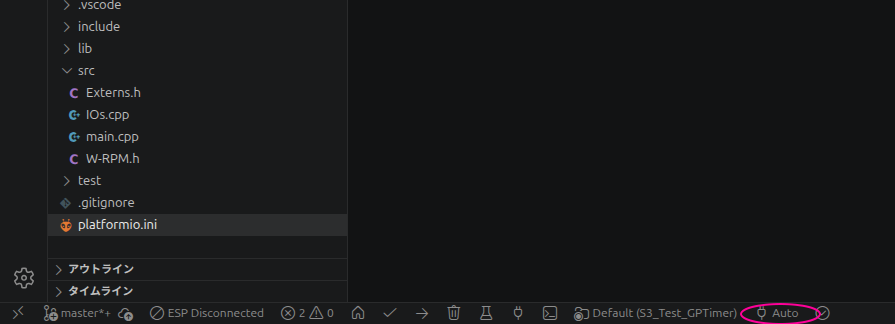
Also, please take a look at the very bottom of the PlatformIO project screen in VS Code (I have attached a screenshot for reference).
If you click the icon circled in the screenshot (which displays a plug symbol and “Auto”), a list of available ports will appear; this allows you to verify that the port changes when you switch boards.

If this icon is set to “Auto,” PlatformIO will automatically select the port if you haven’t specified one in platformio.ini.
This is easy to do, so it is likely worth trying out.

Please also check the following link:

Thank you, the only problem is that the content of the upload process contains links, hence the error message when sending information from the upload process about the error

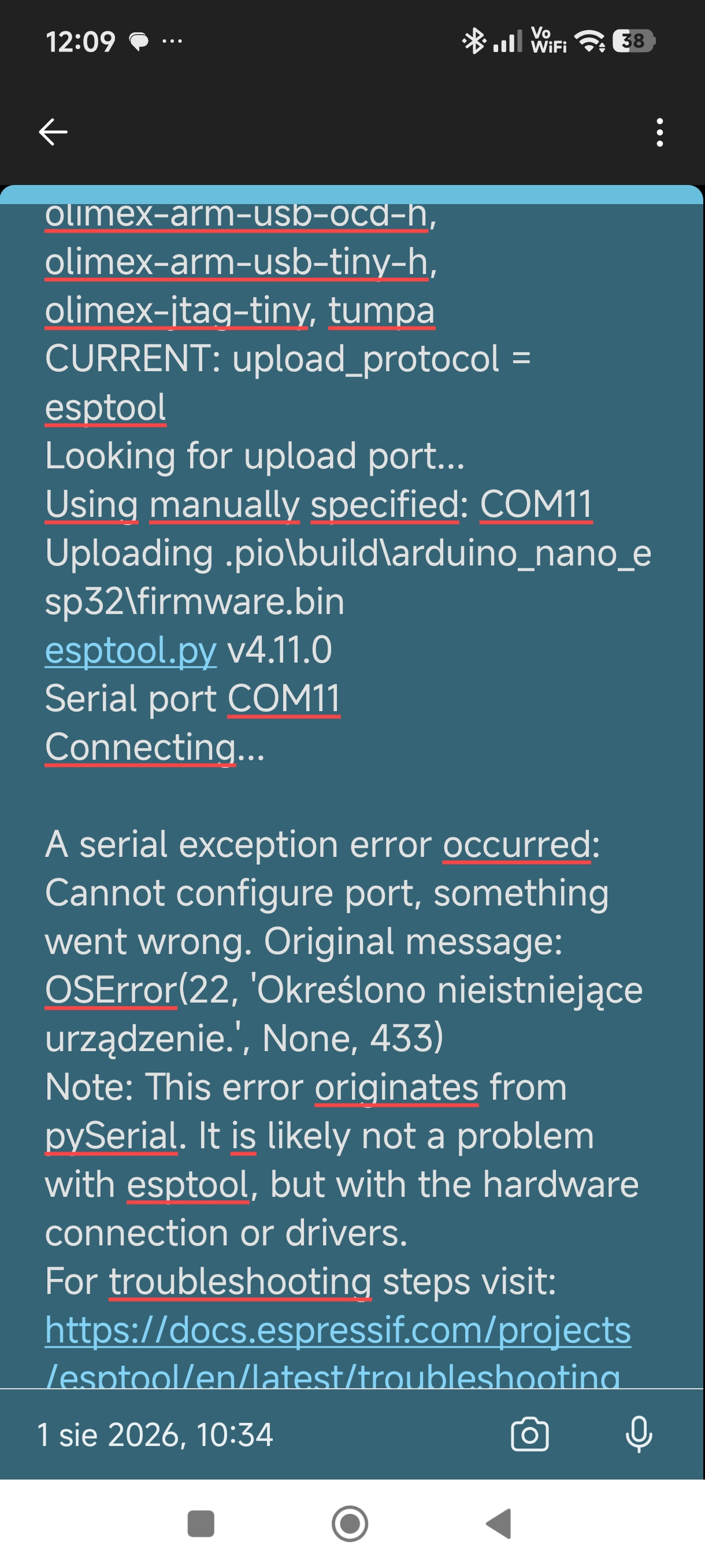
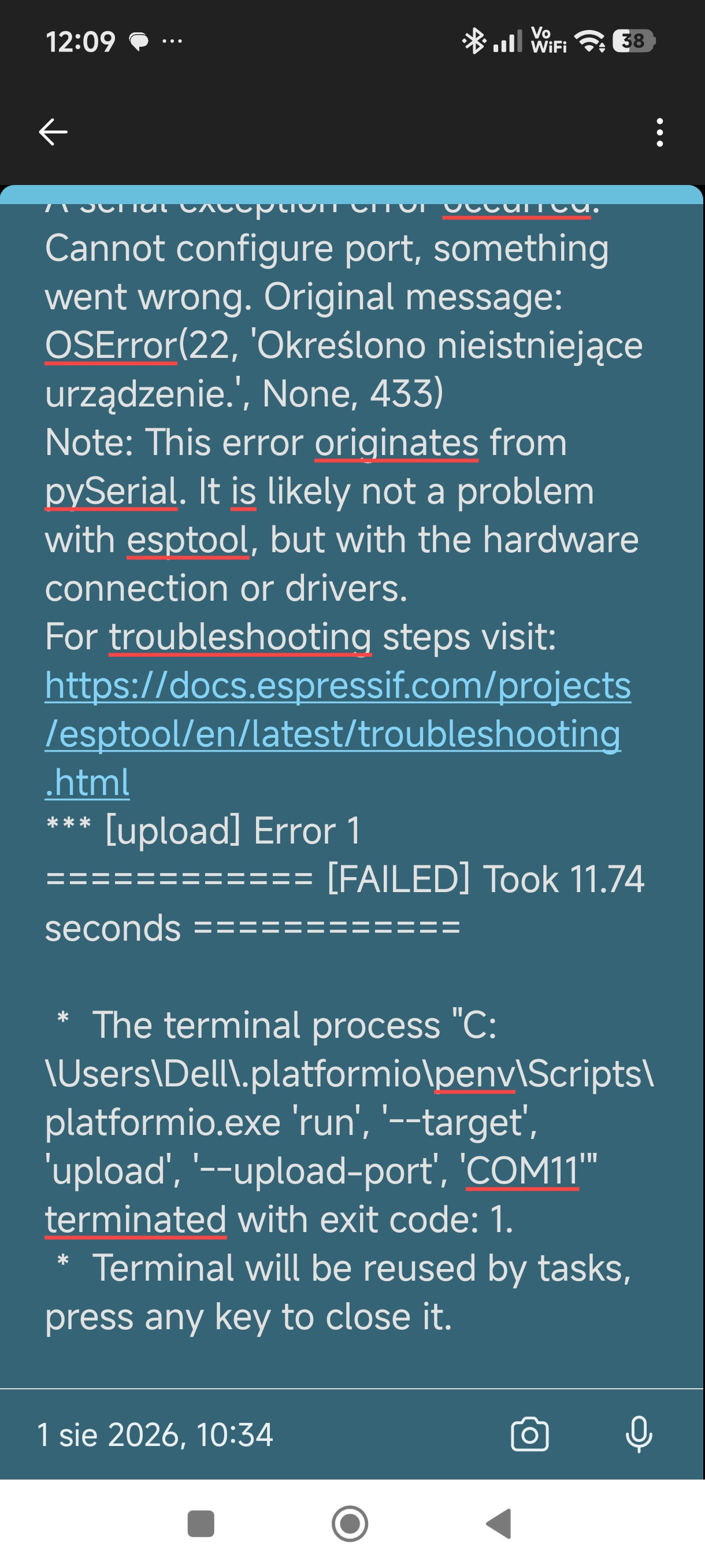
The log showed ”Cannot configure port” when connecting to COM11.
This means “Not found COM11”.
Try “Auto”.

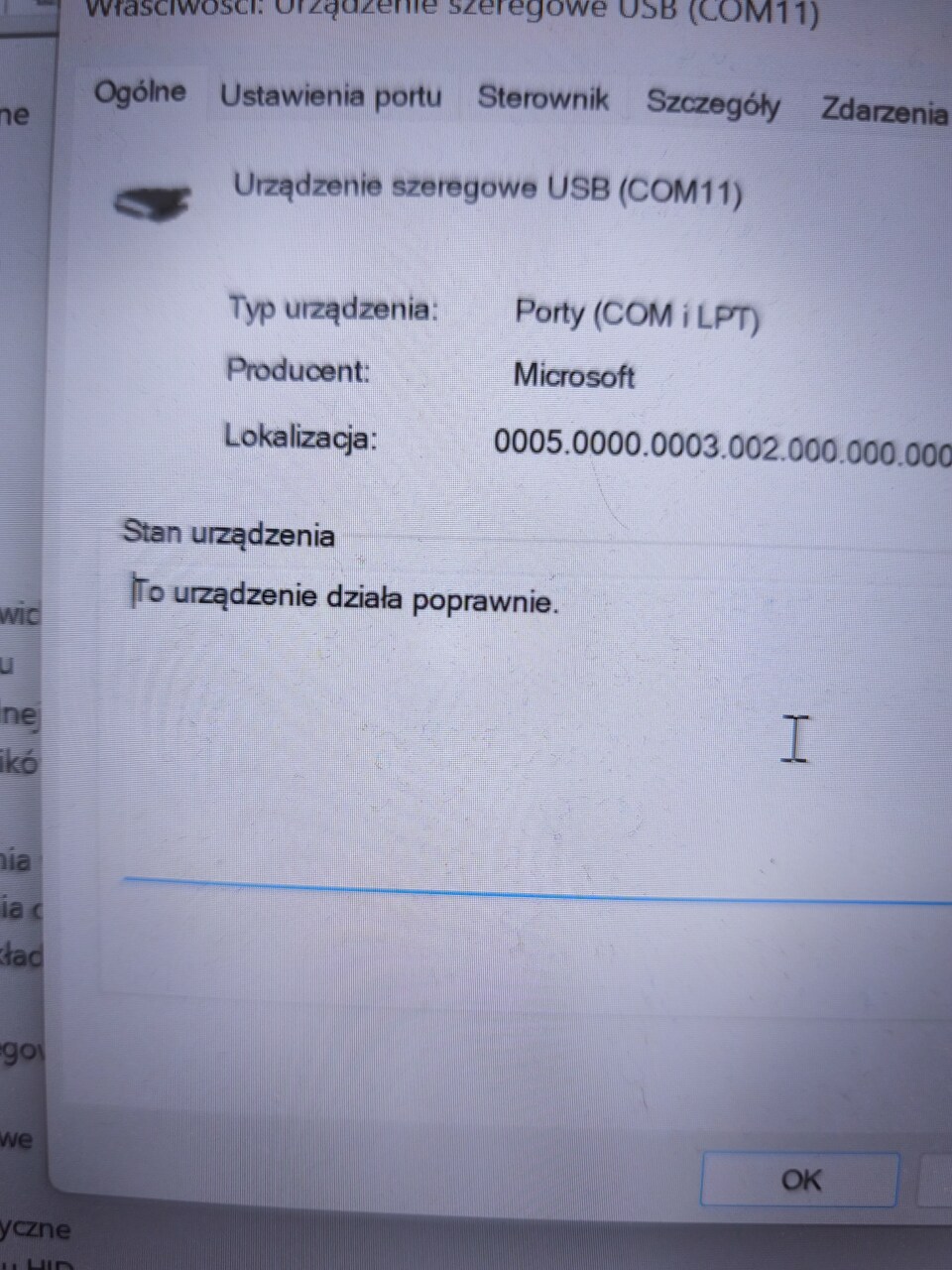
It’s the same message all the time, but in the preview I can see the connection of the com11 port and in the device manager, also during the board reset, the port disconnects and reconnects, and at the end of the upload process, sometimes it seems to disconnect from the port and so on.

I know what it’s called..

fun haha​:rofl:

According to Arduino documentation, the NanoESP32’s USB port is the ESP32-S3’s native USB port; consequently, the connection is temporarily lost whenever the device’s reset button is pressed or it restarts.

I am not sure if this applies to your situation, but it is common for issues to arise from details that differ slightly from one’s assumptions—often in areas overlooked because one assumes, “There is no way I could get such a basic thing wrong.” Just to be safe, could you check the following points? (I am not questioning your competence; I just want to rule out the basics.)

  1. Does the Windows virtual COM port assign the same port number (COM11) when you connect different NanoESP32 boards?
    When I connected four of my own ESP32-S3 N16R8 boards to Windows via the native USB port, each one was assigned a different virtual COM port.
    In your case, it seems that different boards are being assigned the same COM11 port; is that correct?
  2. Do you have multiple devices of the same type (NanoESP32) connected to the PC simultaneously?
    If so, please try disconnecting them.
    Does the issue persist?
  3. Does the situation remain the same if you swap the USB cable?
    I have seen cases in this community where the problem turned out to be a hardware issue, such as a faulty cable or a damaged chip.