Hi,
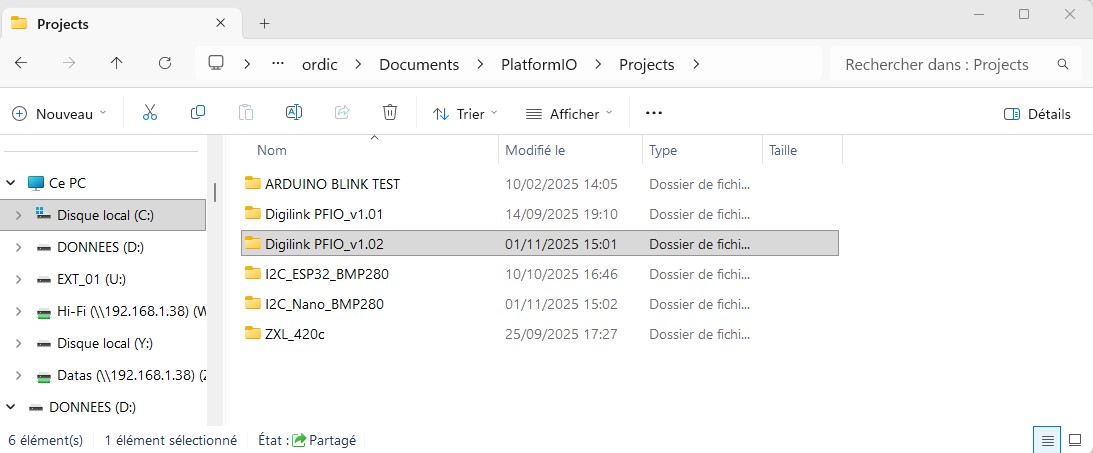
I do not understand how to list the various projects in the left windows of PlatformIO: I mean that I have various projects, all are in C:\users\myname\documents\platformio\projects ,
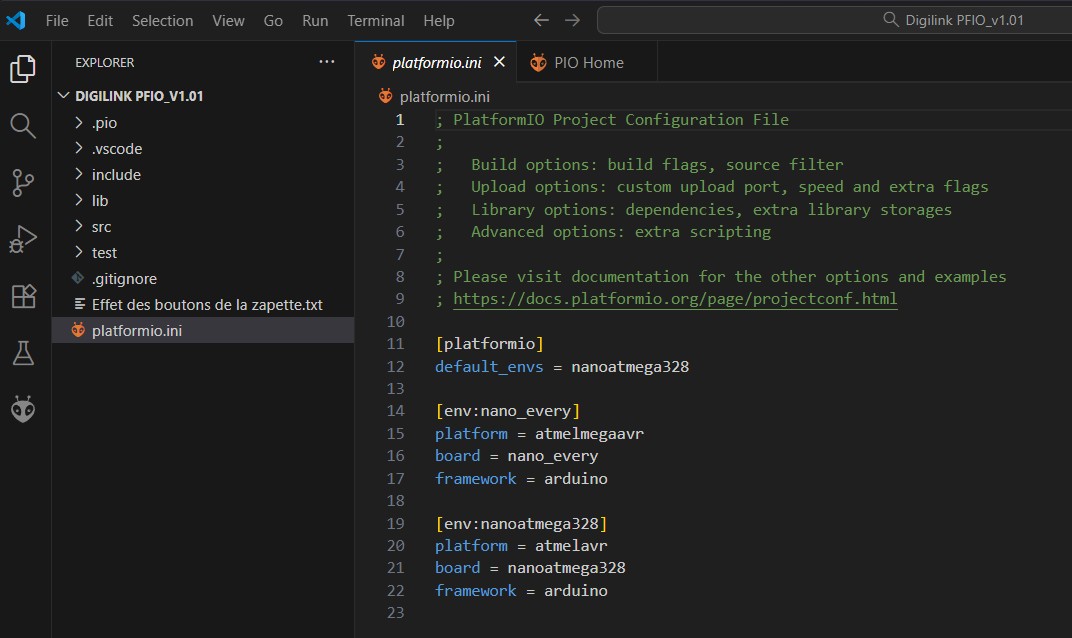
but I only see one at a time, for example:
I suppose that this has to do with the workspace of PlatformIO, but I just begin to use Platformio and I know quite nothing about it…
Thank you very much
Your question is not about PlatformIO but about VS Code Workspaces.VIDEO
But I highly recommend to just have one project at a time open in VS Code.
If you install the VS Code Shell extension you can right-click on a folder to open this folder as project in VS CodeVIDEO
Thank you very much !
I have also found this topic, with very simple and clear explanation:
Lets gets some basics out of the way. PlatformIO is in two parts - the PIO Core/CLI, which is the heart of PIO, and does all the toolchain, dependency, compile & library management, etc. Then you have the PlatformIO VSCode extension, which adds the integration between PlatformIO and VSCode, so you don’t have to use the command line to interact with PlatformIO.
Everything else is in the domain of the editor you are using - in this case, VSCode. Workspaces, IntelliSense, syntax highlighting, etc …
this may help some others…