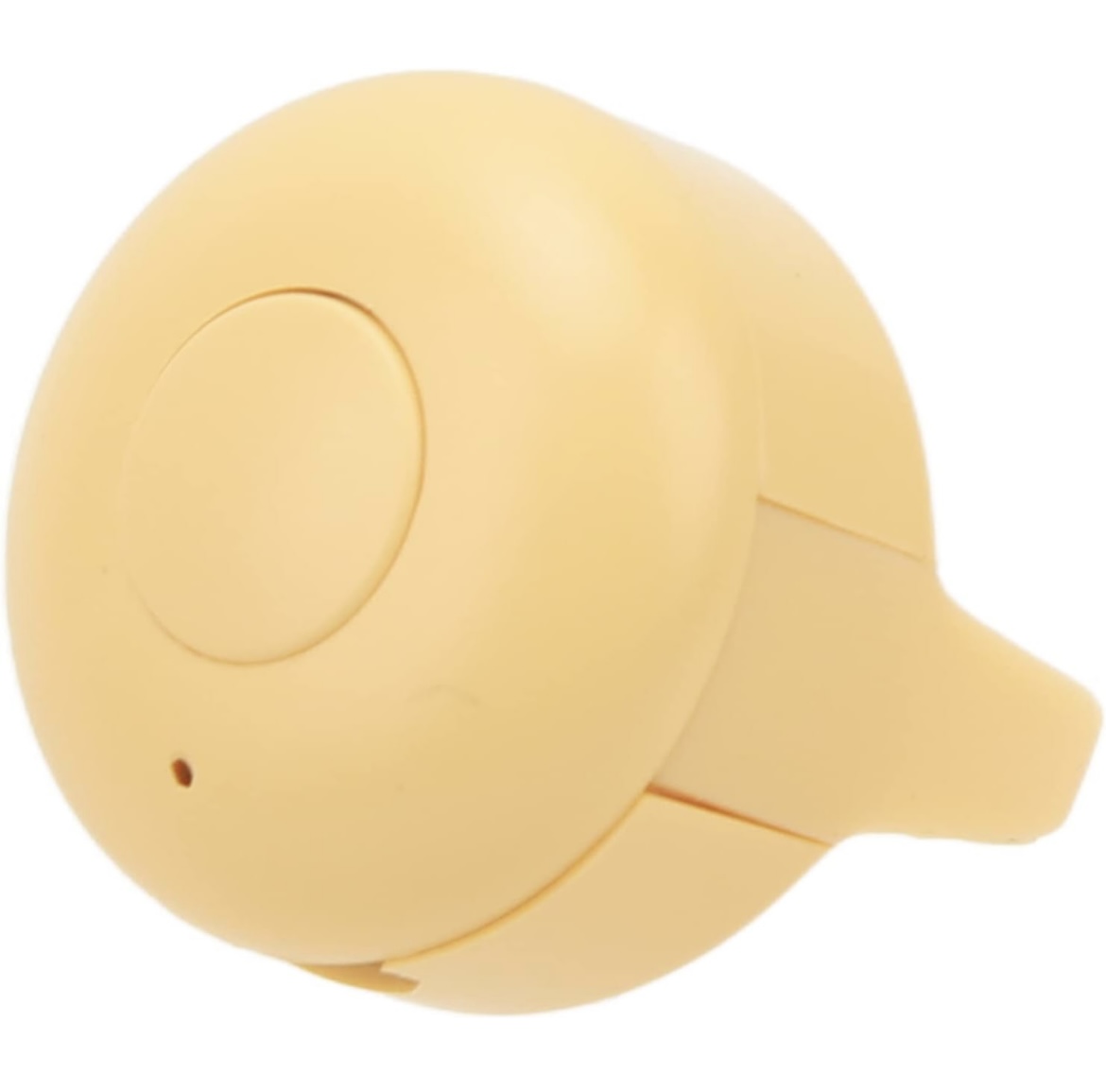
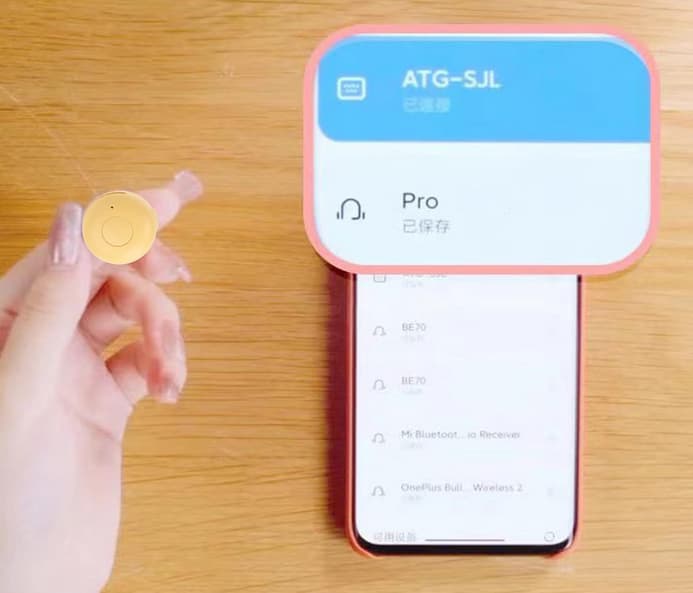
I have a Bluetooth LE device, a „scroll ring“ from Amazon
Technically, it is an HID device that sends equivalents of shutter button presses and swipe up gestures to a connected device.
I have been searching for weeks but have not found a way to get the ESP32 to connect/pair with it and detect the key presses.
I suspect this might be because the device appears as a keyboard/HID on a regular computer. Conceptually, I understand how to detect the services of the controller and start the bonding process.
However, I am unsure how to perform the simplified BLE connection process (without PIN exchange, Just Works pairing) and how to use the device as an input device.
I just need to detect the different key presses! Any guidance or examples would be greatly appreciated. Is there a recommended library to use?
Thank you very much.
Does a simple BLE scan even see the device? If the Amazon screenshot it is right and a regular phone can see a “ATG-SJL” device, then so should an ESP32.
https://github.com/espressif/arduino-esp32/blob/master/libraries/BLE/examples/Scan/Scan.ino
You might need to at first unpair the device from your phone to free it up.
ESP-IDF does have an example in which the ESP32 acts as a BLE HID host:
https://github.com/espressif/esp-idf/tree/master/examples/bluetooth/esp_hid_host
Yes, the device is visible and has been disconnected from other devices.
The ESP-IDF example looks promising. Thank you for pointing it out.
I am currently away from compiler, but I wonder in general how to convert / adapt the example to something that lives in the „Arduino world“ in platformio.
Update: Got the example to work on a random ESP after I installed ESP-IDF in Visual Studio Code on my M2 Mac. Very satisfying.
Learnings so far:
- Had to set the Crystal Frequency from 40 to 26
- The BLE device sends a bunch of weird input reports for click, double-click and long press respectively. I’ll see where this will lead me.
1. Single Click Input Report
- Report ID: 2 (GENERIC INPUT REPORT)
- Length: 7 bytes per report
Input Report Sequence:
07 06 70 07 80 0c 01 00
07 06 70 07 28 0a 01 00
07 06 70 07 fc 08 01 00
07 06 70 07 d0 07 01 00
07 06 70 07 a4 06 01 00
07 06 70 07 78 05 01 00
07 06 70 07 4c 04 01 00
07 06 70 07 20 03 01 00
07 06 70 07 f4 01 01 00
00 06 70 07 c8 00 00 00
- Description: This sequence represents a single click gesture.
2. Double-Click Input Report
- Report ID: 2 (GENERIC INPUT REPORT)
- Length: 7 bytes per report
Input Report Sequence:
07 07 70 07 70 07 01 00
00 07 70 07 70 07 00 00
07 07 70 07 70 07 01 00
00 07 70 07 70 07 00 00
- Description: This sequence represents a double-click gesture. The alternating pattern of reports corresponds to two quick presses and releases of the button.
3. Long Press Input Report
- Report ID: 3 (CCONTROL INPUT REPORT)
- Length: 3 bytes per report
Input Report Sequence:
01 00 00
00 00 00
- Description: This sequence represents a long press gesture.