Cheers!
I am new to PlatformIO and are trying to set it up to program microcontrollers (specifically Arduino, ESP32-variants).
Where I am at now:
I have successfully installed PlatformIO on my Chromebook (Debian 12) through Linux. It detects my board (Arduino UNO) and can build without any errors, but when I try to upload I get the following error. I have tried to add upload_port = /dev/ttyUSB0 to my platformio.ini file for the project and updated the udev rules according to this documentation.
Error message:
Looking for upload port…
Using manually specified: /dev/ttyUSB0
\*\*\* \[upload\] could not open port /dev/ttyUSB0: \[Errno 2\] No such file or directory: ‘/dev/ttyUSB0’
Any idea what might be going wrong?
Are you running VSCode in a sort of isolated container like through snap? In a PlatformIO Core CLI, what’s the output of pio device list?
I am relatively unskilled in using Linux (but I can follow basic instructions). So not sure what is meant by isolated container/snap.
My setup steps was as following:
1. Downloaded Visual Studio Code for Debian (via apt).
2. Update the package cache and installed the package (via sudo).
3. In VSCode Extension Manager, I searched for PlatformIO IDE extension and installed
4. I then set udev rules to allow uploading sketches.
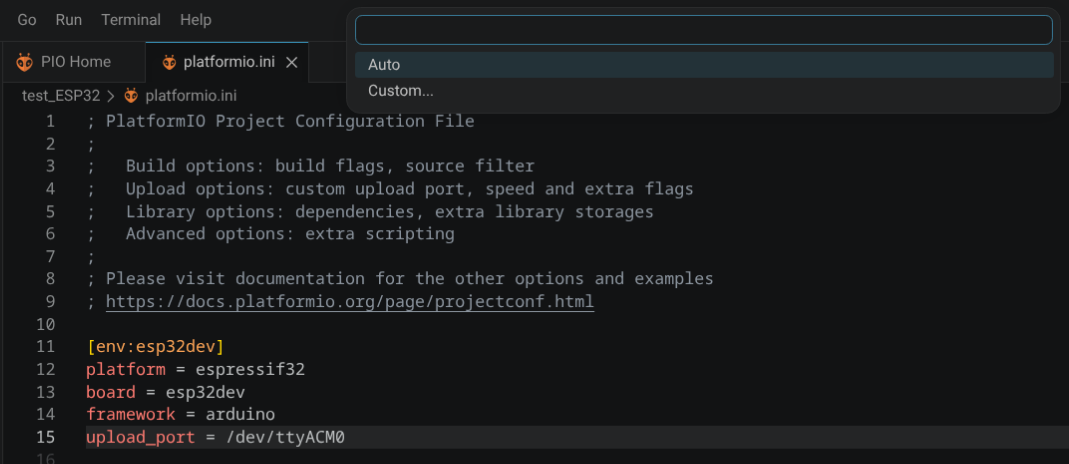
5. I configured the port in the new projects platformio.ini file to upload_port = /dev/ttyACM0.
Once I have access to the system again I will check pio device list.
My environment is slightly different from yours; I’m using Ubuntu + VS Code, but it’s still a Linux environment.
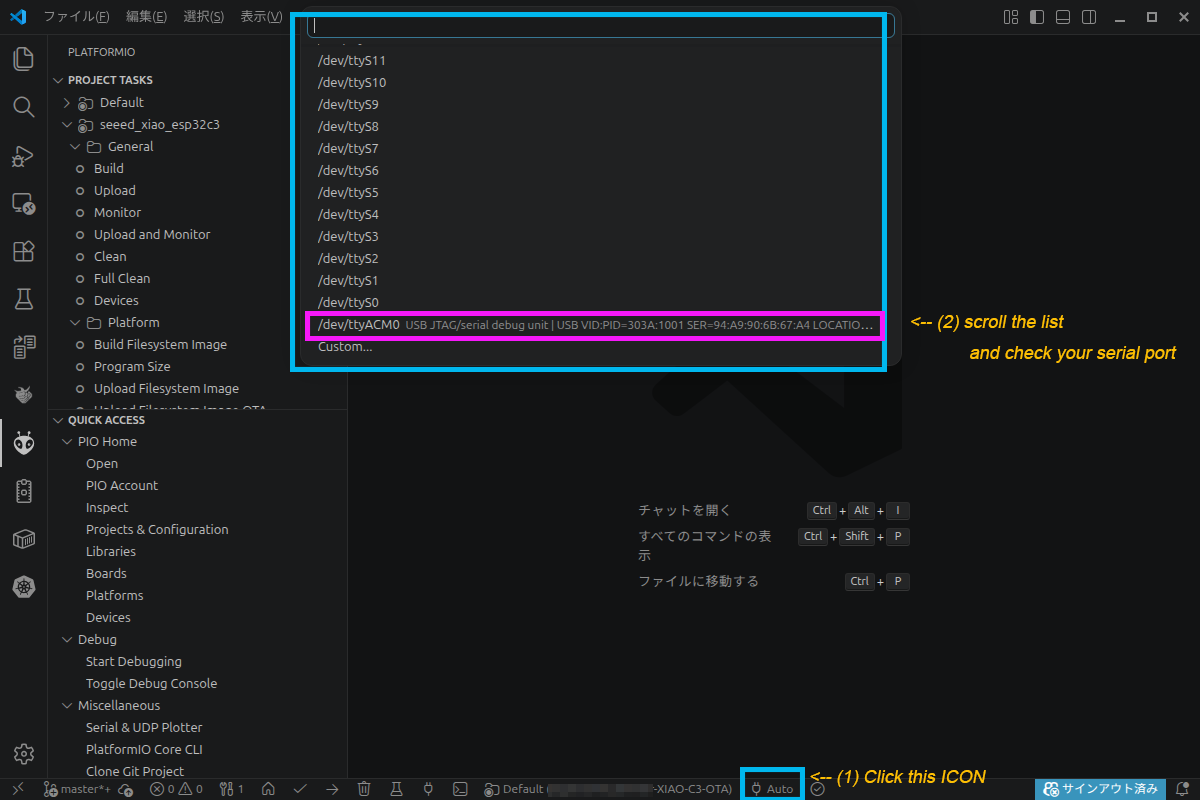
I usually don’t connect multiple devices, so I don’t specify a port in platformio.ini and leave the upload port selection as “Auto.”
(You should also be able to select and specify from the list.)
Have you actually connected a device via USB and checked which port is active?
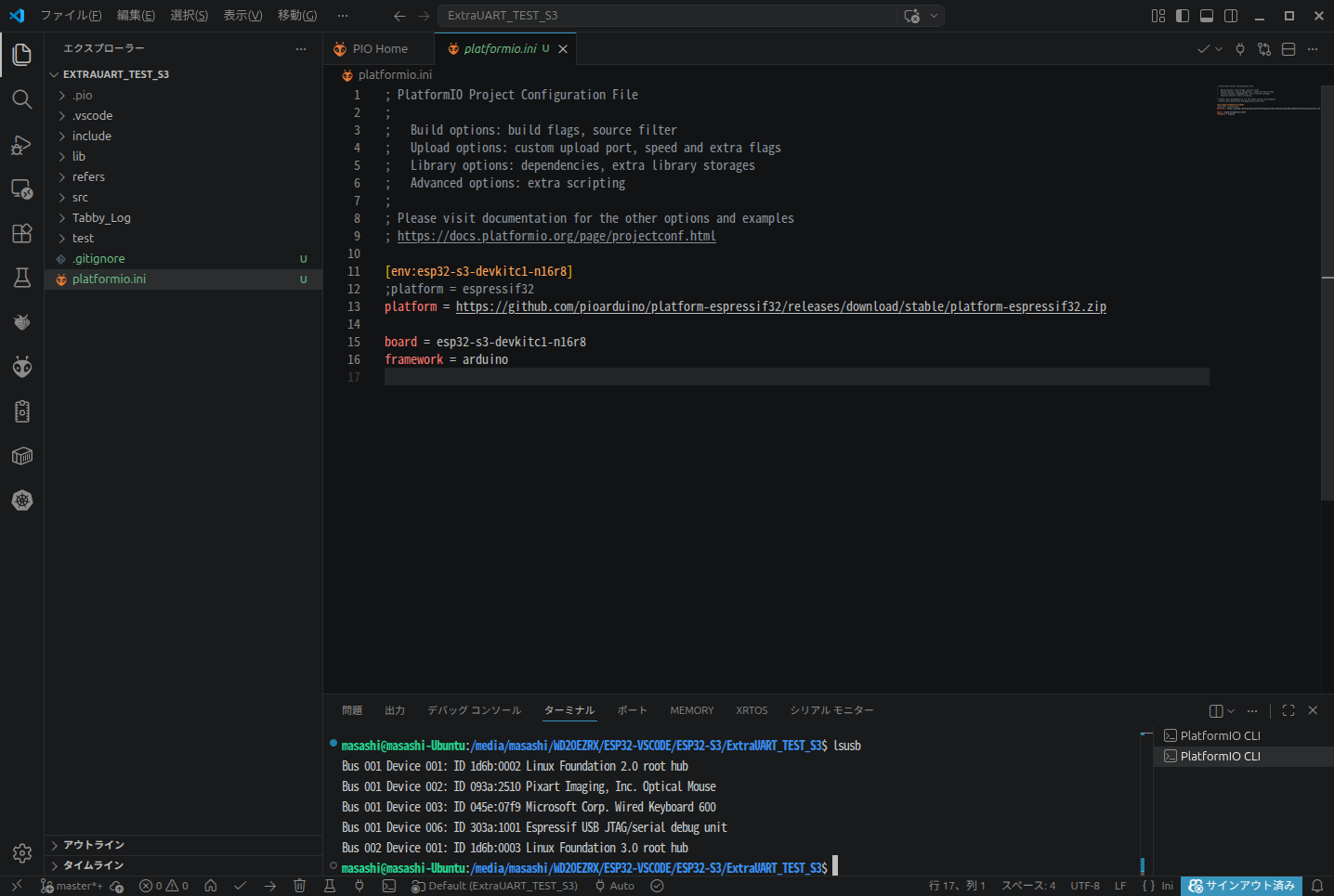
I think it would be best to check this first, referring to the attached screenshot.
Scroll through the list of ports and find the same port you specified in platformio.ini:
upload_port = /dev/ttyACM0
Do you find it?
Unfortunately no, this is what I see currently.
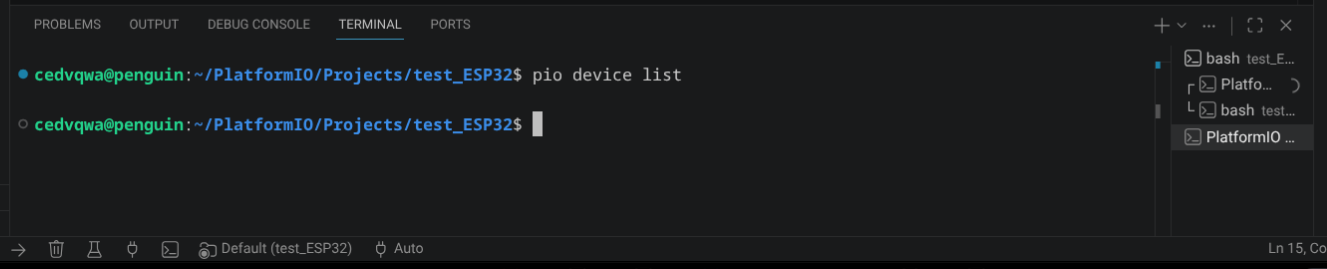
When I try to execute that command I get nothing.
Looks like missing drivers?
I think your terminal window is too small.
Please try enlarging it.(move the border)
You can it with your mouse,like this.
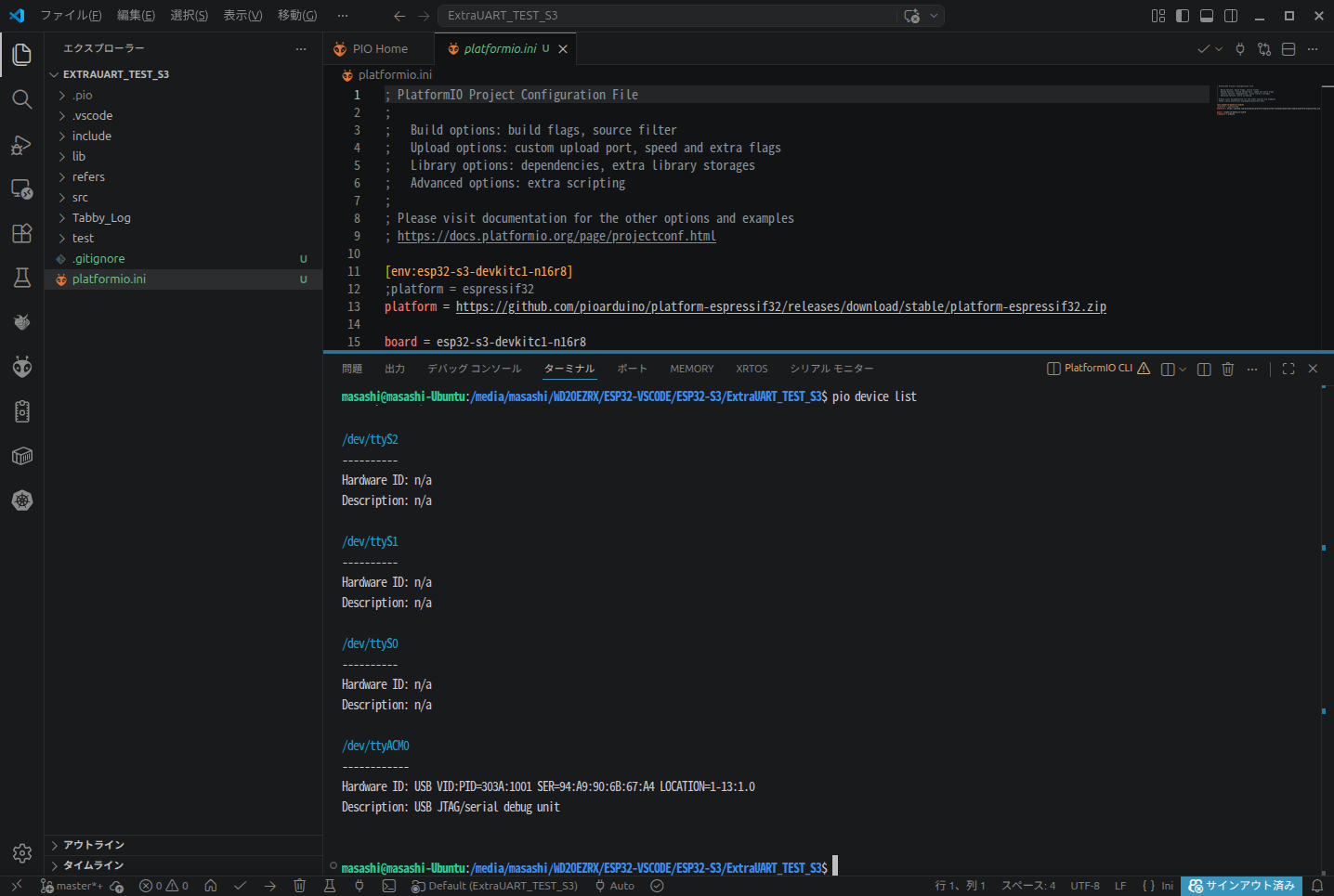
I think you’ll find the response for ‘pio device list’.
If you couldn’t find any response for ‘pio device list’ after enlarging window, how about the terminal command ‘lsusb’ ?
Can you see your mouse ,keyboard,etc. ?
SOLVED!
It might have been a combination of problems, but these were the steps I followed.
- Used a USB-A-C cable I know allowed data transfer.
- In the Linux terminal i ran:
sudo apt update
apt list --upgradable
sudo apt full-upgrade
sudo reboot
The terminal crashed after this but it was solved after updating ChromeOS.
- Next, to fix any potential permission issues, I added my user to the dialout group:
sudo usermod -a -G dialout $USER
Devices now detect my device and shows the correct port (/dev/ttyUSB0).
Thanks for the support everyone!
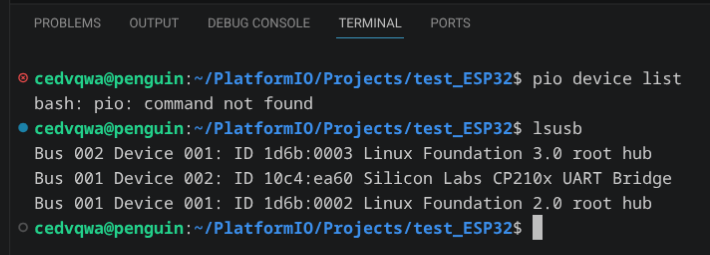
I made a separate post detailing my solution. But interestingly, I get “command not found” when entering pio device list. I also tried lsusb as suggested. Here is a screenshot of the results.
pio commands will work in a PlatformIO core CLI, but you can also also just add PlatformIO to your $PATH and it’ll work in any terminal.