I’m encountering a serious performance issue with PlatformIO on Windows 11, where compilation times have become unreasonably long. Even very simple projects — such as a basic serial output sketch — are taking over 150 seconds to compile. When working with larger libraries like LVGL, the build time can exceed 1400 seconds.
What I’ve noticed during the build process is that there are long periods of apparent inactivity or freezing. During these pauses, none of the CPU cores are being fully utilized. However, once the actual compilation begins (with the appearance of compiler output), CPU usage spikes to near 100% and continues until the build finishes.
I’ve tried several troubleshooting steps already:
·Reinstalled Visual Studio Code
·Reinstalled the PlatformIO extension
·Cleared the .cache folder in the project directory
·Tested on different projects, both minimal and complex
Unfortunately, none of these actions improved the performance.
Does anyone know what might be causing this behavior? Is there something specific I should check regarding system configuration, antivirus interference, or PlatformIO’s internal caching mechanisms?
My computer configuration is as follows: CPU:i9-13900HX, GPU:RTX 4060.
I’ve uploaded a screen recording of the building process to YouTube for reference. You can view it using the link below:Building Demo Video
Building on Windows is slow, but this is way too slow.
I don’t think this is caused by PlatformIO but rather by something else on your system which might interrupt ans slows down the file access.
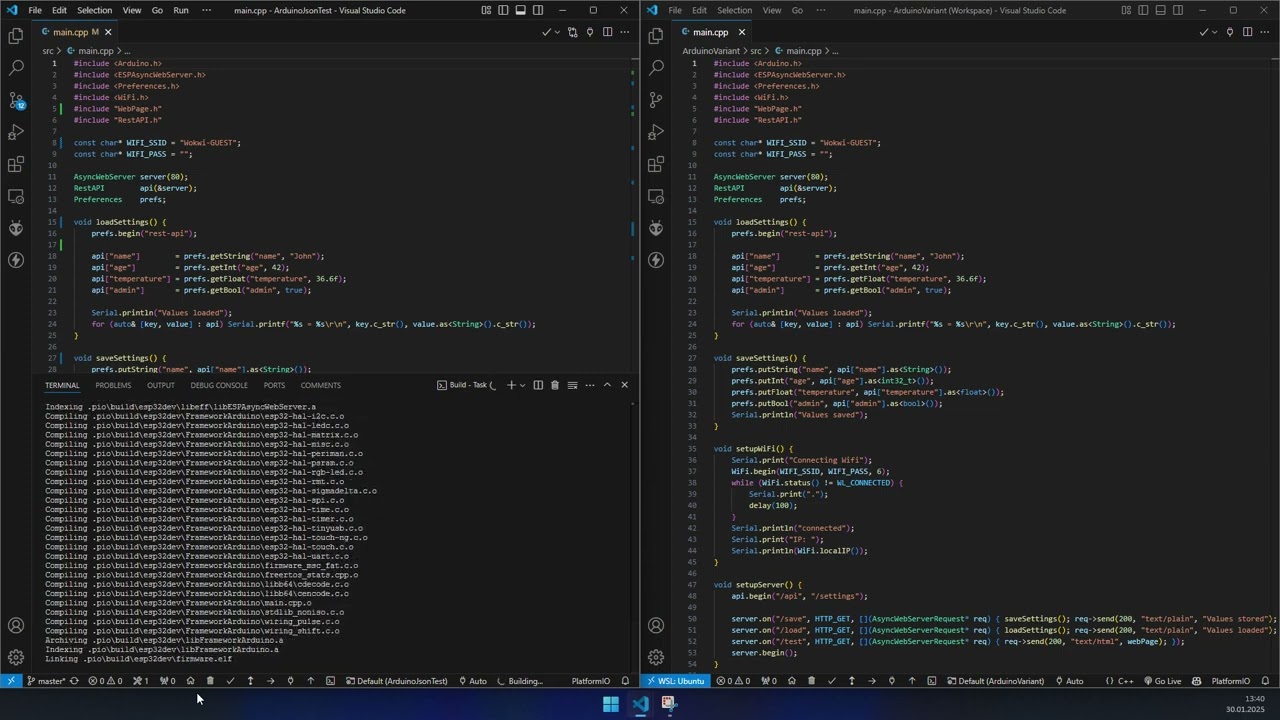
You should consider to switch over to Ubuntu in WSL (Windows Subsystem for linux). The build time is much faster - depending to the project sometimes incredible fast
On the left: Windows
On the right: Ubuntu in WSL
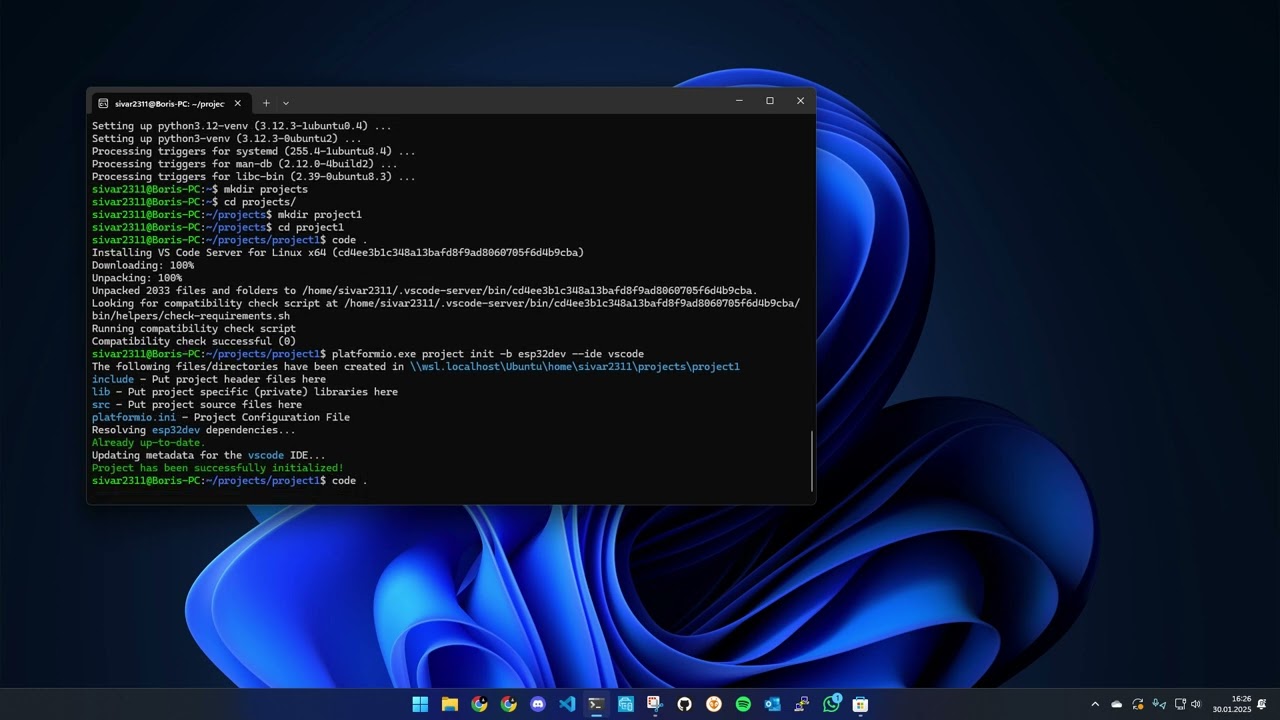
Installing Ubuntu in WSL and setting up PlatformIO is an easy task:
Do you have any antivirus installed the builtin Windows one?
Is your project folder in a OneDrive, GoogleDrive, or DropBox?
When you install SHELL COMMANDS and use a regular Windows command terminal (Win + R → cmd.exe) and use pio run -t clean && pio run in your project directory (cd <your project directory>), is it exactly as slow or faster?
First of all, when using the method you suggested (the last one), there was no significant fluctuation in RAM usage, and the freezing issue still occurred. I have uploaded the compilation demonstration video to YouTube, as shown below:https://youtu.be/PPcip8HA8bY
Secondly, I have already disabled Windows Defender on my computer, and I haven’t installed any other antivirus software.
Lastly, my project folder is not stored in any cloud storage service; instead, it is located on my SSD drive.
I’m quite new to this area and don’t have much experience with computers. Thank you again for taking the time to reply!
I also heard that PlatformIO is fast and decided to start using it for development, but it’s still extremely slow. I suspect there might be some configuration issues with my system.
Thank you so much for your valuable suggestions!!! They turned out to be extremely helpful, and my compilation speed has improved dramatically.
Previously, a project would take around 1200 seconds to compile, but now it takes as little as 10 seconds! It seems that the issue I was experiencing before was likely due to some incorrect settings on my system.
I really appreciate your help — it made a huge difference and saved me a lot of time.