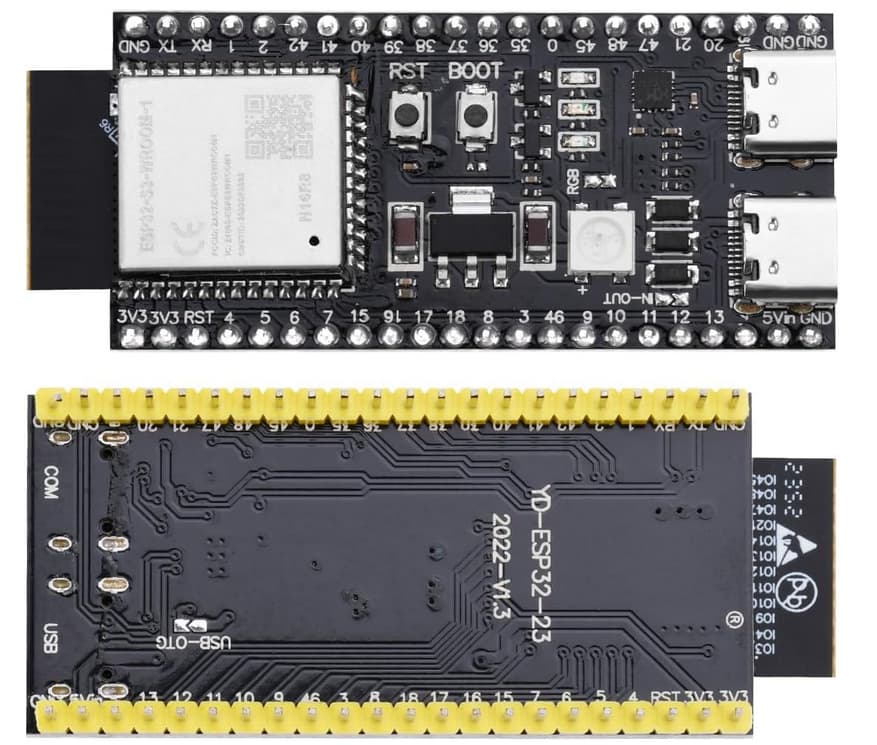
I bought this esp32s3 ( Amazon.de )
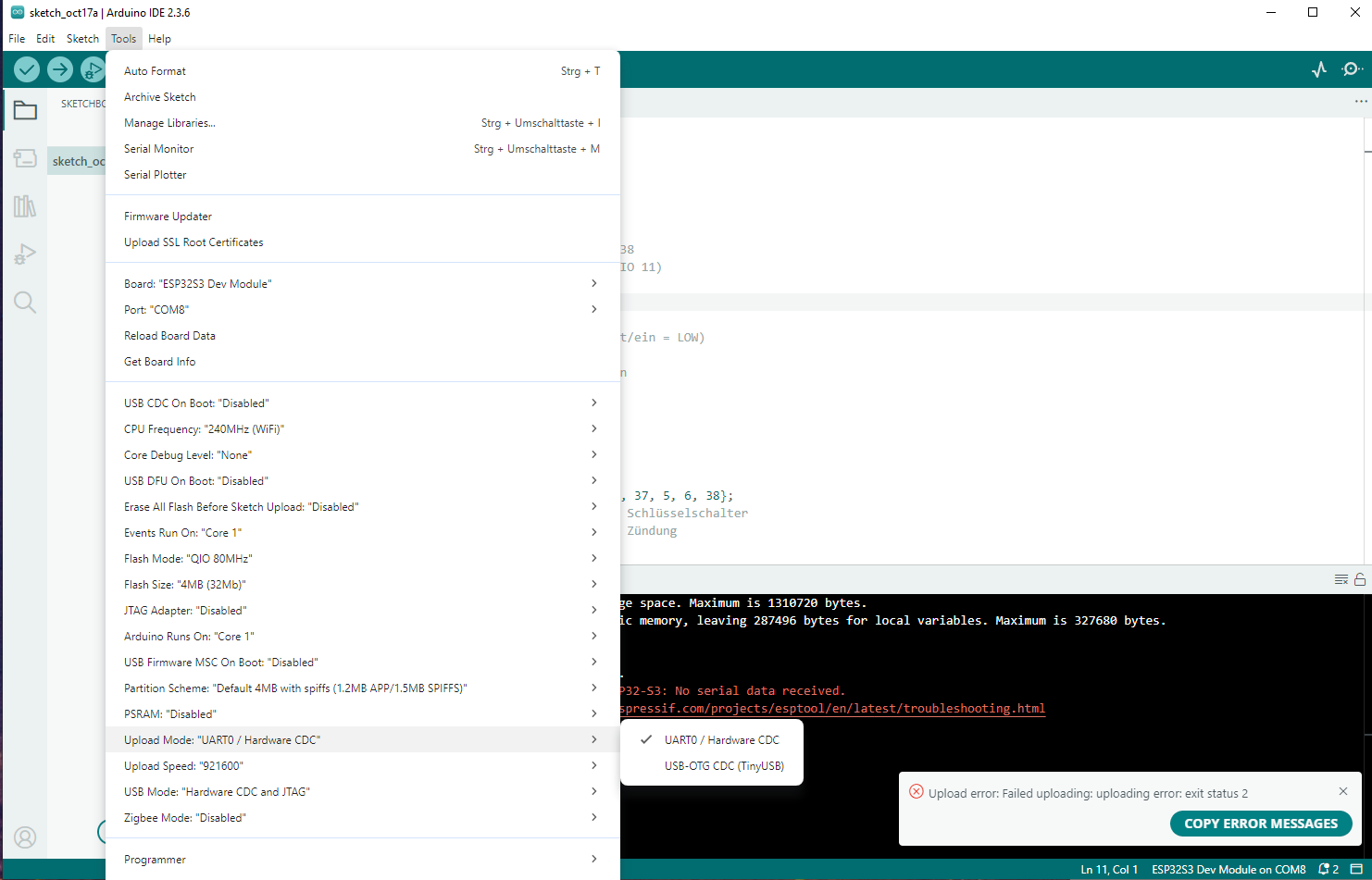
And now I want to upload my code, but I only get an error message:
Der Sketch verwendet 344075 Bytes (26%) des Programmspeicherplatzes. Das Maximum sind 1310720 Bytes.
Globale Variablen verwenden 40184 Bytes (12%) des dynamischen Speichers, 287496 Bytes für lokale Variablen verbleiben. Das Maximum sind 327680 Bytes.
esptool v5.1.0
Serial port COM8:
Connecting…

A fatal error occurred: Failed to connect to ESP32-S3: No serial data received.
For troubleshooting steps visit: https://docs.espressif.com/projects/esptool/en/latest/troubleshooting.html
Fehlgeschlagenes Hochladen: Hochladefehler: exit status 2
The method with the manual boot mode using the buttons doesn’t work either. I’m at a loss. My other esp32 wroom 32s work perfectly.
The background is that I want to build a USB button box, and the Wroom32s don’t have a USB interface for communication, and they are not recognized by the PC via Bluetooth. If anyone has a solution, I’m open to it 
Nino
EDIT:
I have downloaded this file (link below) and pasted it into the board folder I’ve created inside my project, and set the board = esp32-s3-devkitc-1-n16r8v in the ini file. But the error is the same..
I am on mac btw, and i can see the chip in the terminal via pio device list
Please help
Have you tried plugging the USB-C cable into the COM port, then doing the reset-into-bootloader procedure as
- hold down BOOT button
- press and release RST button once (while BOOT is still pressed)
- release BOOT button
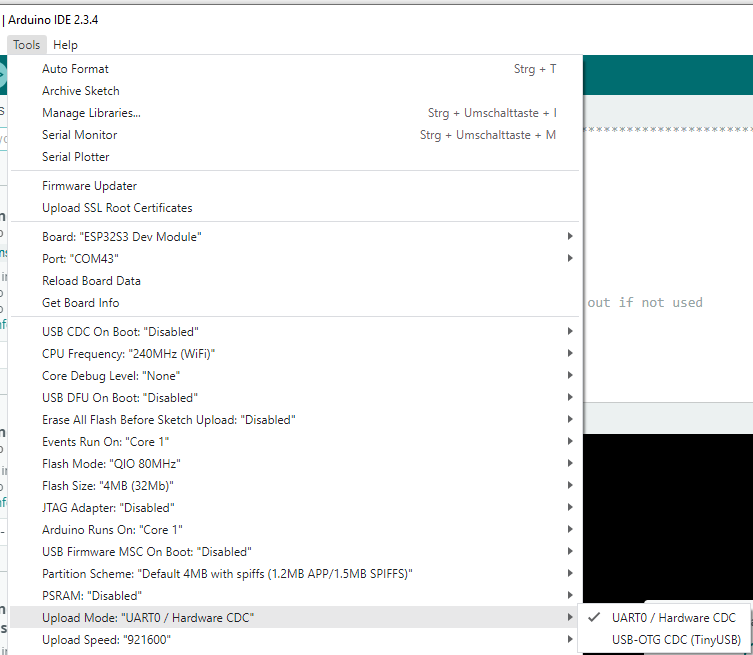
Make sure to set the upload mode to UART0 / Hardware CDC
Then upload again.
Does it work?
If not, retry pressing the “Upload” button but keep the BOOT button pressed all the time.
Still not working? Download and install the latest CH340 drivers from https://www.wch.cn/downloads/CH341SER_ZIP.html, reboot the computer, and retry the procedures.
i did the button method but not working
I hold the boot button at all times but this the same error.
I have downloaded the driver.
(When the console is printing Connecting…… at every dot the blue led on the esp is blinking, dont know if that helps?)
I am really frustrated 
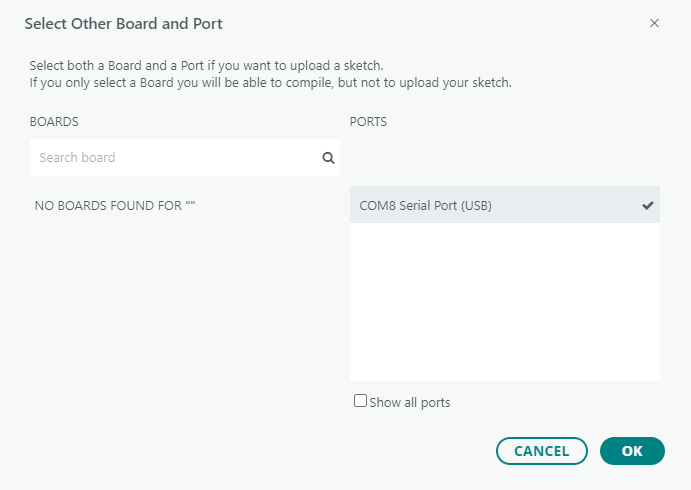
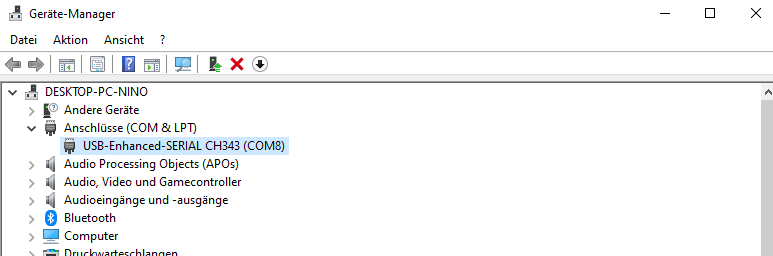
Are you sure COM8 is the right port?
Can you provide a screenshot of the device manager with the COM port section open?
No, the Windows device manager.
Well, nothing out of the ordinary.
Then try plugging the USB-C cable into the port labeled “USB” instead of “COM” and try uploading with both “Upload Protocol” settings.
problem solved, the chip was broken. Thank you
Hello nino,
Quick question, wdym by broken. In other words how did you know it was broken. I have the same issue