Hello,
I am able to initialize littleFS correctly (and have a lot of experience using it) using the Arduino IDE. I decided to move to PlatformIO to reduce compile time and have had no problems except getting LittleFS to initialize using the exact same files that I am using with Arduino IDE.
My data directory is in the same directory as my src directory.
I have included board_build.filesystem = littlefs in my .ini file
I have run a clean
I have successfully built the filesystem image with no errors.
I have confirmed that it creates a littlefs.bin file.
I have successfully uploaded the file image with no errors.
I have tried custom partition files.
Regardless of what I do, littleFS.begin() fails.
Could you share the actual code you wrote for LittltFS.begin()?
Regarding ESP32-S3, C3, and C6, I have never encountered any failures with the following code.
LITTLEFS.begin(false, "/spiffs");
In this case, “/spiffs” is the basepath (default is “/littlefs”) because I defined the partition name for file system in (partitions).CSV as “spiffs”.
What is different about your code?
Let me explain in more detail why “LITTLEFS” is written in capital letters.
Previously, LittleFS was an external library and used the name “LITTLEFS,” but now it’s supported as a standard feature of the Arduino framework, hence the name “LittltFS.”
The example I included in my reply to you was an older code snippet I happened to pick up from many sources, so it uses “LITTLEFS” in capital letters, but you can simply read it as “LittleFS.”
Also, files such as default.csv still use the partition name “spiffs.”
I recommend checking the contents of the CSV file that is automatically selected based on your chosen board.
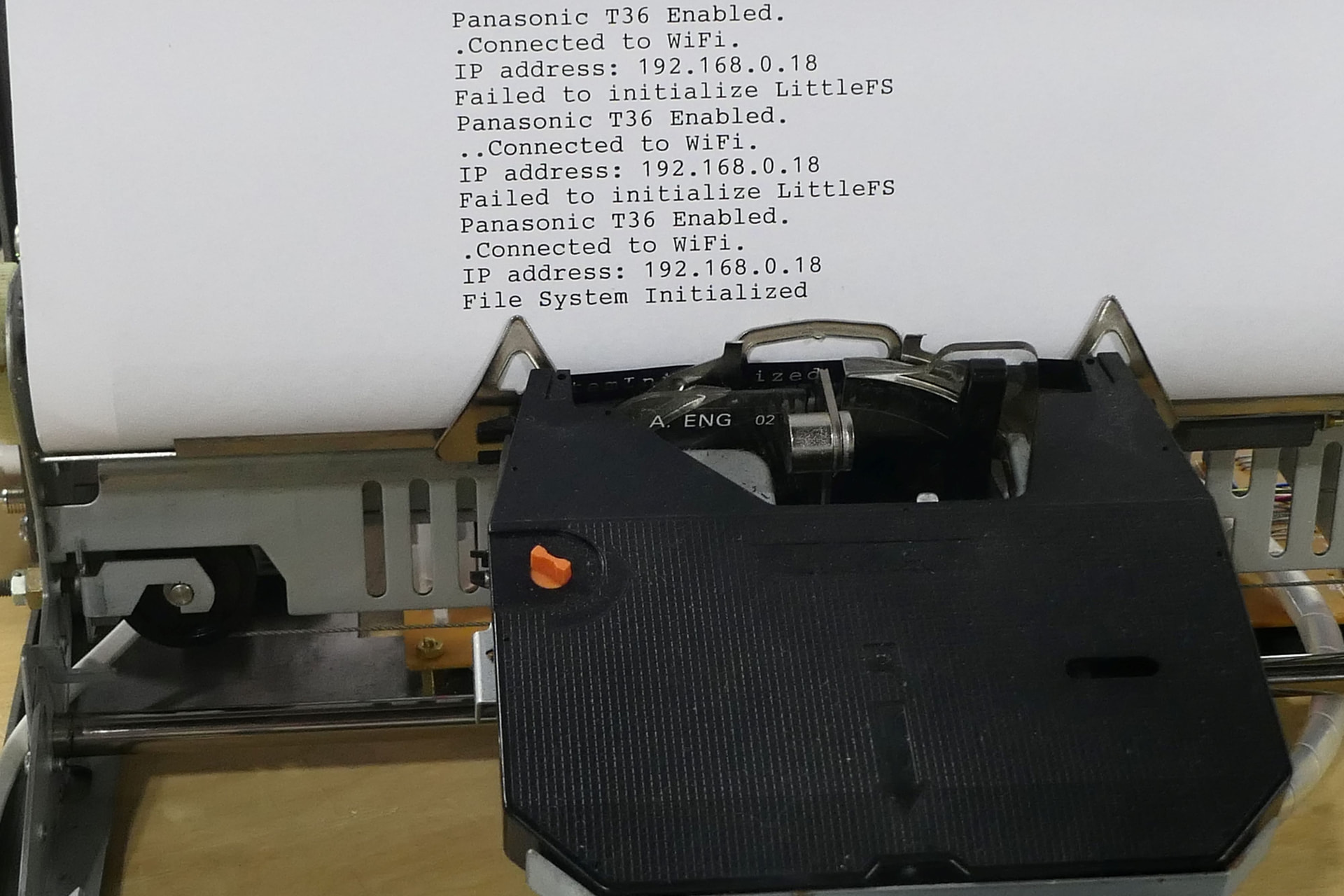
Thanks for the help. I had thought PlatformIO was using the default 4MB partition file, (the exact same partition file used successfully with the Arduino IDE) but I guess it wasn’t. I specified the following in the .ini file. I rebuilt the image. I uploaded the new image. I re-flashed the device and it worked.
board_build.partitions = default.csv
And here is the proof on my ‘91 Brother AX350. Thanks!