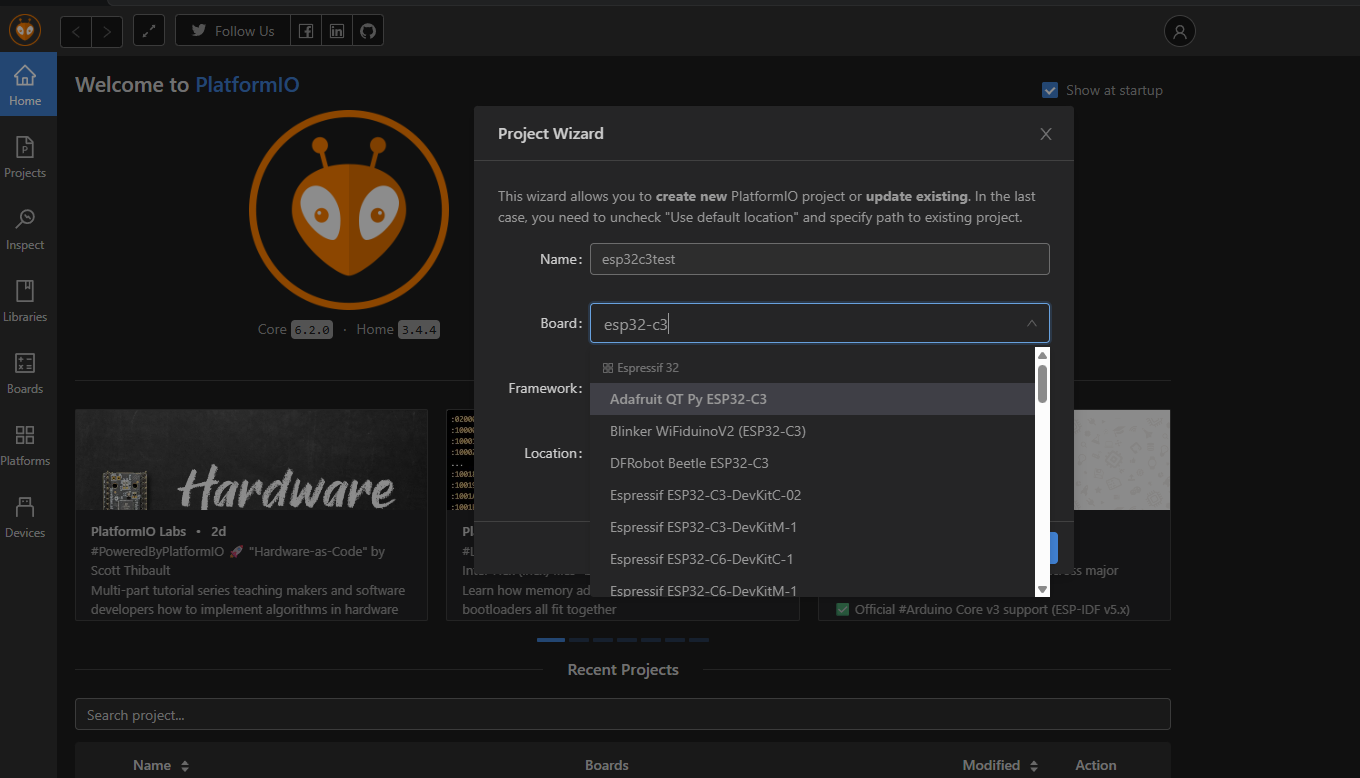
I’ve used VS Code / PlatformIO very successfully for over the last 5 years, initially on a Raspberry PI 3 but now on a PI5, for a variety of target processors from ATTinys to ESP32s. I now need to use an ESP32-C3 with FreeRTOS which is currently unsupported by PlatformIO.
My best option appeared to be PIOArduino but as we all know, PlatformIO and PIOArduino cannot coexist. My solution was to create a new user, “ESP32”, on the Pi specifically for PIOArduino development. The new user had access to VS Code by default but with no extensions which is as it should be. I then added PIOArduino to ESP32’s VS Code and tried to build a small application which failed spectacularly with the message;
IncompatiblePlatform: Development patform ‘espressif32’ is not compatible with PlatformIO core 6.2.0-post.1 and depends on PlatformIO core >=6.2.0
On the first point, can someone please tell me what this is about.
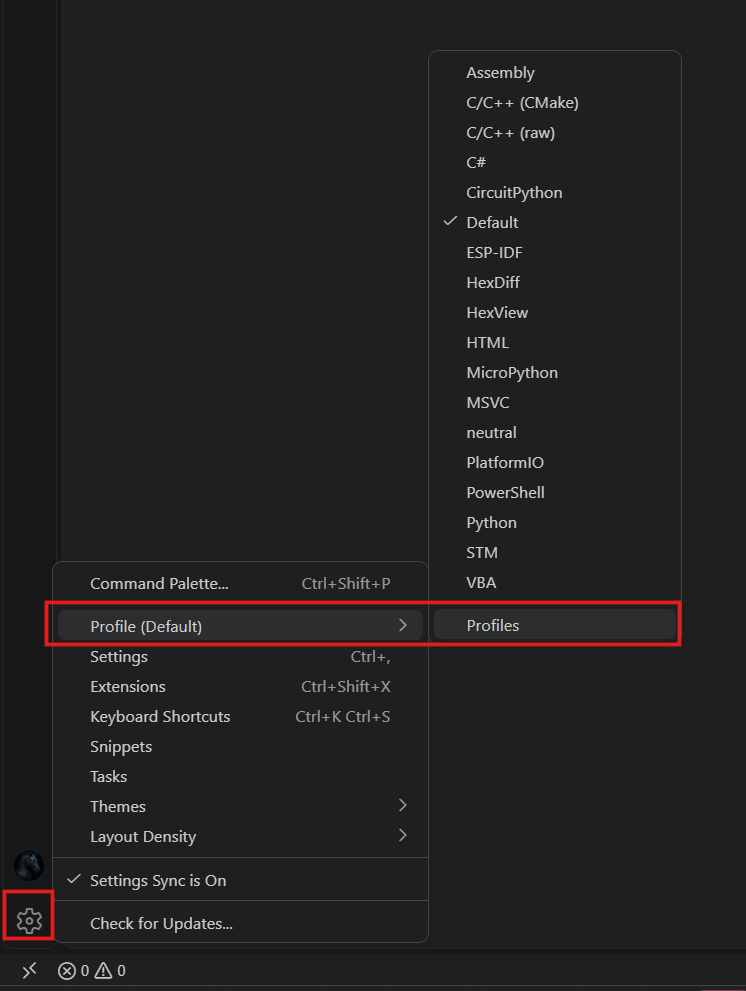
But the big issue is that after logging back into my normal account, the little ‘Ants Head’ has been replaced by PIOArduino QFP symbol and I get a message telling me that BOTH PlatformIO and PIOArduino are installed and I must disable one or the other. And a final insult that happens on both my normal account and my ESP32 account. As such, I can’t now build anything for any platform on either account.
How do I get myself out of this mess and how do I set myself to work with the ESP32-C3 + FreeRTOS without losing the ability to work with AVR targets.