Get Started
What is PlatformIO?
PlatformIO IDE
PlatformIO Core (CLI)
Tutorials
Project Examples
Solutions
PlatformIO IDE
PlatformIO Core (CLI)
Debugging
Unit Testing
Static Code Analysis
Remote Development
Library Management
Desktop IDEs Integration
Cloud IDEs Integration
Continuous Integration
Registry
Docs
Community
Support
TECHNOLOGY
PlatformIO Community
How to see assembly code in debugging
Advanced Solutions
Debugging
manuelbl
November 7, 2019, 10:31pm
3
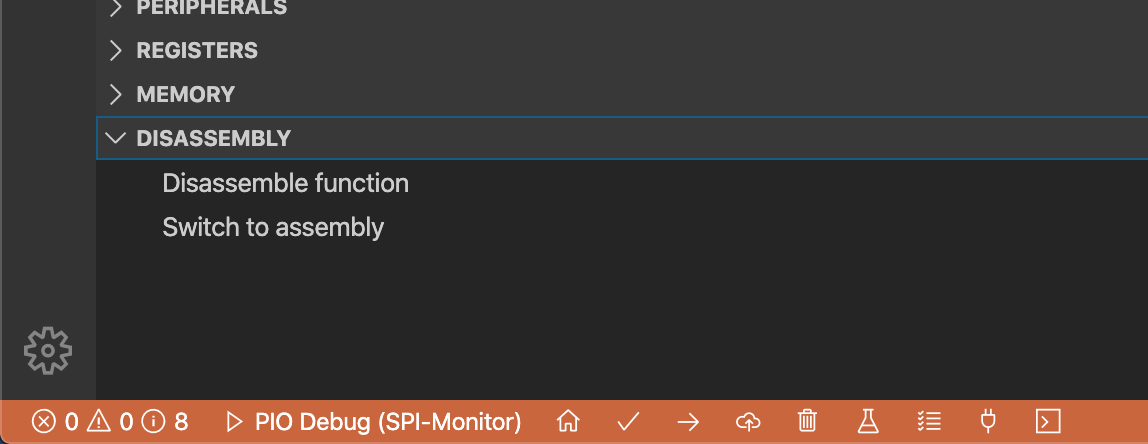
In Visual Studio Code:
Go to the
Debug
view (click the bug icon on the left side)
Click
DISASSEMBLY
at the very bottom
Click
Switch to assembly
Assembly%20View
1148×444 27.7 KB
4 Likes
show post in topic